Work Board Tool: Organize Tasks, Teams, and Projects


A work board tool gives individuals and teams a visual way to organize tasks, manage priorities, track progress, and coordinate projects. Learn what to look for in a work board and how uboord connects task tracking with workload and capacity management.
Work becomes difficult to manage when tasks are scattered across spreadsheets, messages, emails, and personal to-do lists. Even when everyone is busy, it can be surprisingly difficult to understand what is progressing, what needs attention, and which responsibilities might put a deadline at risk. A work board tool helps solve this problem by bringing tasks into a shared visual workspace where people can organize assignments, track progress, and understand how work moves from planning to completion.
For individuals, a work board can provide a straightforward way to organize daily responsibilities. For teams, it creates a common view of projects, ownership, priorities, and deadlines. And for managers, a well-structured board can offer a clearer understanding of progress without requiring constant status meetings.
However, not all work boards provide the same value. A basic board can display tasks, but a more capable work board software solution can connect those tasks to projects, team workload, capacity, approvals, and delivery expectations.
What Is a Work Board Tool?
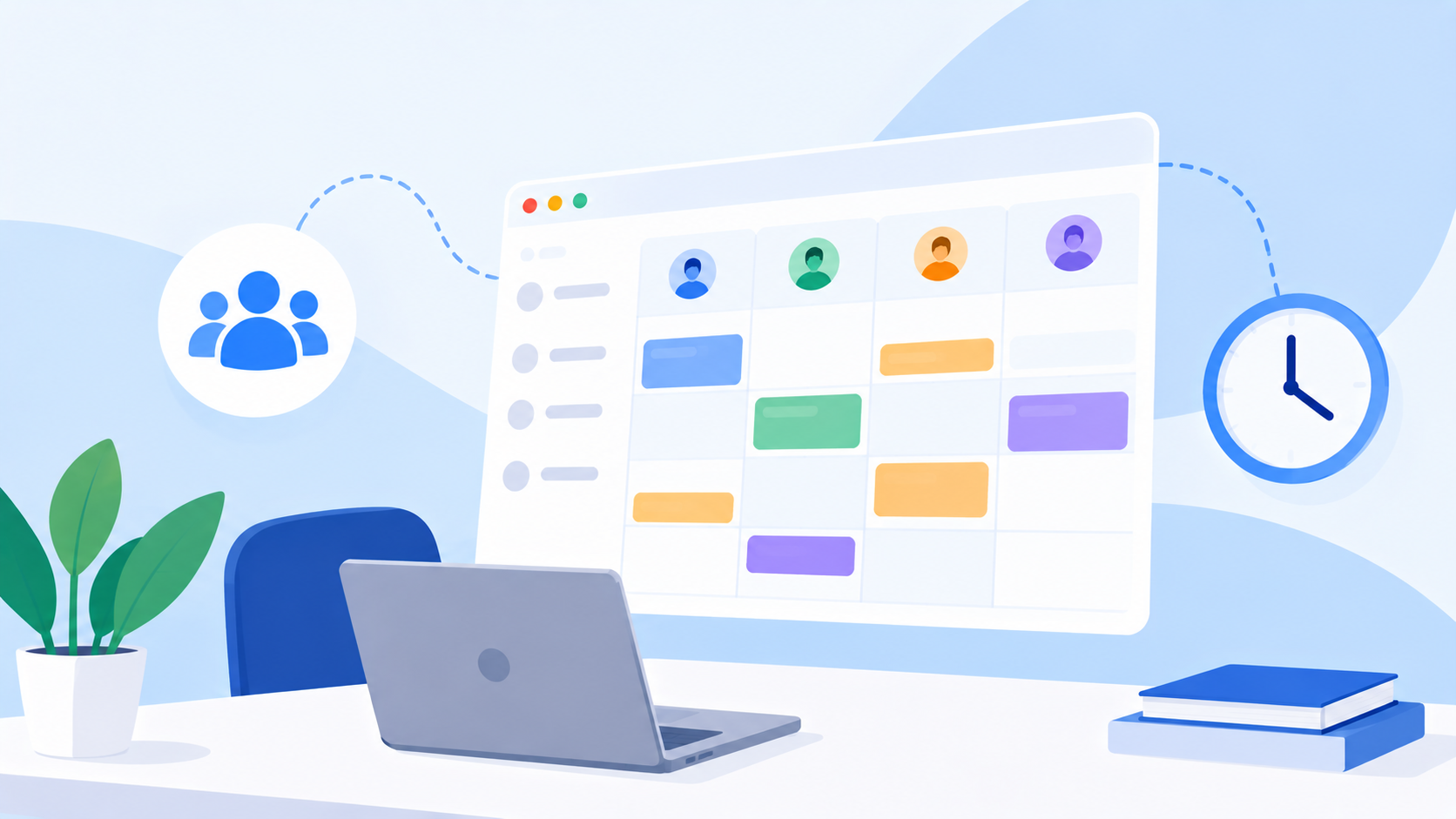
A work board tool is a digital workspace used to organize, visualize, and manage tasks as they move through different stages of work. Depending on the platform, tasks may appear as cards arranged in columns, rows, lists, or other customizable layouts.
A common setup might include columns such as To Do, In Progress, In Review, and Completed. Team members can move tasks between stages as work progresses, making it easier to see the current status of individual assignments and the overall workflow.
The real value comes from having more than a collection of task names. A useful board can show who owns each task, how important it is, when it is due, which project it belongs to, and whether another task or approval is required before it can move forward.
This makes a digital work board useful for many different activities, including project coordination, marketing campaigns, product development, content production, operations, and everyday team management.
Why Teams Use Digital Work Boards
When work is managed through disconnected tools, people often spend unnecessary time finding information, asking for updates, and clarifying responsibilities. A task might be assigned in a meeting, discussed in a messaging application, documented in a spreadsheet, and eventually completed without a clear shared record of its progress.
An online work board brings those responsibilities into one visible workspace, reducing the need to reconstruct the state of a project from multiple sources.
Teams commonly use work boards to:
Organize tasks: Keep responsibilities grouped by project, department, priority, or workflow.
Clarify ownership: Make it clear who is responsible for moving each task forward.
Track progress: See which assignments are pending, active, completed, or awaiting review.
Manage deadlines: Identify upcoming commitments and overdue work.
Improve collaboration: Give team members a shared understanding of priorities and dependencies.
Support decision-making: Help managers identify delays, bottlenecks, and work that needs additional attention.
The objective is not simply to make work look organized. It is to make the actual state of work easier to understand so that people can act on the information.
How a Work Board Is Structured
A well-designed work board should reflect the way a team operates rather than force every department to follow an identical process. A creative team might need a review and approval stage, while an operations team may focus on assignment, execution, and verification.
The structure should be simple enough to understand quickly but detailed enough to support the team's workflow.
Board ElementPurposeExampleTasks or cardsRepresent individual pieces of workPrepare a campaign reportColumns or stagesShow where work standsTo Do, In Progress, Review, CompletedOwnerEstablish responsibilityMarketing analystPriorityHighlight relative importanceHigh, Medium, LowDeadlineDefine expected deliveryFridayProject or categoryGroup related workQ4 marketing campaignComments and filesKeep relevant context accessibleBrief, design files, review notes
When these elements work together, a task board tool becomes more than a visual list. It becomes a shared reference point for organizing and coordinating work.
Work Board vs. Task List vs. Project Management Software
These terms overlap, but they describe different levels of functionality.
A task list helps people remember what needs to be done. A work board adds a visual structure for organizing tasks and tracking their status. A broader project management platform can connect boards to milestones, deadlines, dependencies, resources, reporting, and delivery workflows.
CapabilityBasic Task ListWork Board ToolBroader Project Management PlatformRecord tasksYesYesYesVisualize progressLimitedCore capabilityUsually availableAssign ownershipSometimesCommonCommonManage priorities and deadlinesBasicCommonCommonOrganize work by projectLimitedDepends on the toolCommonTrack workload and capacityRarelyDepends on the toolDepends on the platformSupport approvals and accountabilityLimitedDepends on the toolMay be availableProvide broader management visibilityLimitedVariesOften more comprehensive
A visual board may be all a small team needs initially. As the organization grows, however, the need to coordinate multiple boards, projects, people, and deadlines often makes a more connected work management software solution worthwhile.
Popular Ways to Use a Work Board
Work boards are flexible because they can be adapted to different processes. The most useful layout depends on what the team needs to see and how work moves from one stage to another.
Work Board TypeTypical StructureBest Suited ForDaily task boardPlanned, In Progress, CompletedPersonal productivity and daily workProject boardBacklog, Active, Review, DoneProject coordinationContent production boardIdeas, Drafting, Editing, PublishedMarketing and editorial teamsCampaign boardPlanning, Production, Approval, LaunchMarketing campaignsOperations boardRequested, Assigned, Processing, VerifiedOperational workflowsApproval boardSubmitted, Under Review, Approved, RevisionsWork requiring formal review
A team can start with a straightforward structure and add complexity only when it provides real value. Too many columns, categories, and rules can make the board harder to maintain, while too little structure can leave people uncertain about what happens next.
How to Choose the Right Work Board Tool
The best work board software should match the complexity of the work and the way the team makes decisions. Choosing a platform based only on its visual design can be a mistake because a board that looks good in a demonstration may not provide the capabilities needed for everyday operations.
Consider these factors when comparing solutions:
Ease of use: Can team members create, update, and find tasks without unnecessary steps?
Flexible layouts: Can the board reflect different projects, workflows, and departments?
Task details: Can tasks include owners, priorities, deadlines, comments, and files?
Progress visibility: Can managers quickly identify overdue tasks and work waiting for review?
Collaboration: Can people coordinate around tasks without losing important context across multiple tools?
Workload management: Can the platform help identify imbalances in how work is distributed?
Accountability: Does it preserve a useful record of task progress, reviews, and decisions?
Scalability: Can it support the organization as more employees, projects, and departments are added?
The important question is not how many features a tool offers. It is whether the platform helps the organization coordinate work more effectively without creating unnecessary administrative overhead.
The Limitation of Boards That Only Show Task Status
A board can make work visible without necessarily explaining whether that work is manageable.
Imagine two employees who each have eight tasks on their boards. One is handling small, routine assignments with flexible deadlines, while the other is responsible for several complex deliverables that are due within the same two-day period. Visually, their boards may look equally busy, but their actual workloads are very different.
This is where basic task visualization reaches its limits.
A work board tool shows the tasks and their status, but managers may also need to understand task size, priority, deadlines, overlapping assignments, and available capacity. Without that additional context, it is easy to mistake a large number of small tasks for an excessive workload or overlook the pressure created by a few demanding assignments.
For growing teams, connecting the work board to workload management and capacity planning makes it easier to understand not only what work exists, but whether the team can realistically deliver it.
Connecting Work Boards With Workload and Capacity
Effective work allocation requires more than knowing how many tasks each person has. Managers need to understand how much effort those assignments represent and how they fit alongside existing commitments.
A work board connected to workload management can help identify situations such as:
An employee carrying several high-priority assignments with overlapping deadlines.
A department approaching its available capacity.
Work accumulating at a review or approval stage.
A new project arriving when the team already has limited capacity.
Available resources in one area while another team is overloaded.
This visibility supports better decisions about reassignment, scheduling, and priorities before small imbalances turn into larger delivery problems.
The objective is not to keep everyone equally busy at all times. It is to distribute work realistically, account for existing commitments, and give teams a more sustainable path toward delivery.
How uboord Connects Work Boards With Work Management
uboord approaches the work board as part of a broader system for organizing and delivering work. Rather than treating task visualization as the entire solution, the platform brings task management, project management, workload management, capacity planning, accountability, and delivery tracking into one workspace.
Teams can organize tasks through boards and customizable layouts while keeping important information such as ownership, priorities, deadlines, files, links, and comments connected to the work. This helps employees understand their responsibilities and gives managers a shared view of how tasks progress.
A key difference is uboord's workload engine, which considers factors such as task size, priority, deadlines, capacity, and overlapping work instead of relying solely on task counts. This provides a more meaningful view of workload and can help managers recognize imbalances before they affect delivery.
uboord also supports a structured task lifecycle that can move from Assigned → In Progress → Completed → Approved → Locked → Archived. For teams that require review and accountability, this connects the visible progress of work with a more structured process for completing and approving tasks.
The result is a work board that can support more than day-to-day organization. It can help connect individual tasks to team capacity, project progress, and delivery expectations.
Best Practices for Managing a Work Board
A work board is only useful when its structure reflects reality. If tasks are outdated, ownership is unclear, or every assignment is marked as urgent, the board can create a false sense of visibility rather than helping people make better decisions.
To keep your board useful, follow a few practical principles:
Keep tasks clear: Write descriptions that explain the expected outcome rather than using vague labels.
Assign responsibility: Make ownership explicit so tasks do not become everyone's responsibility and nobody's responsibility.
Use priorities carefully: Reserve the highest priority for work that genuinely needs immediate attention.
Maintain realistic deadlines: Avoid assigning dates without considering dependencies and existing commitments.
Update status consistently: Move tasks when their actual state changes, not simply when a reporting meeting approaches.
Keep the workflow simple: Add columns and rules only when they help the team coordinate work.
Review bottlenecks: Look for tasks that remain in one stage too long or repeatedly wait for the same approval.
Consider capacity: Review the workload before assigning additional responsibilities to an already busy team.
A board does not need to be complicated to be effective. Clear ownership, consistent updates, and a structure that fits the team's workflow are often more valuable than a large number of features.
Final Thoughts
A work board tool gives teams a practical way to visualize tasks, organize responsibilities, and understand progress. It creates a shared picture of work that is difficult to achieve when information is scattered across separate lists, messages, and spreadsheets.
However, the greatest value comes when the board connects to the broader realities of work: project deadlines, individual ownership, workload, capacity, approvals, and delivery. These connections help organizations move beyond simply displaying tasks toward understanding how work is progressing and where intervention may be needed.
For individuals, a well-organized board can bring clarity to daily responsibilities. For teams, it can improve coordination. For managers, it can provide a stronger foundation for planning and delivery.
Ready to bring your tasks, projects, workload, and team responsibilities into one connected workspace? Start with uboord and turn your work board into a more effective system for managing work from assignment to delivery.
Visit uboord.com to get started.
- #workboard