Daily Task Tracker: A Smarter Way to Manage Your Work

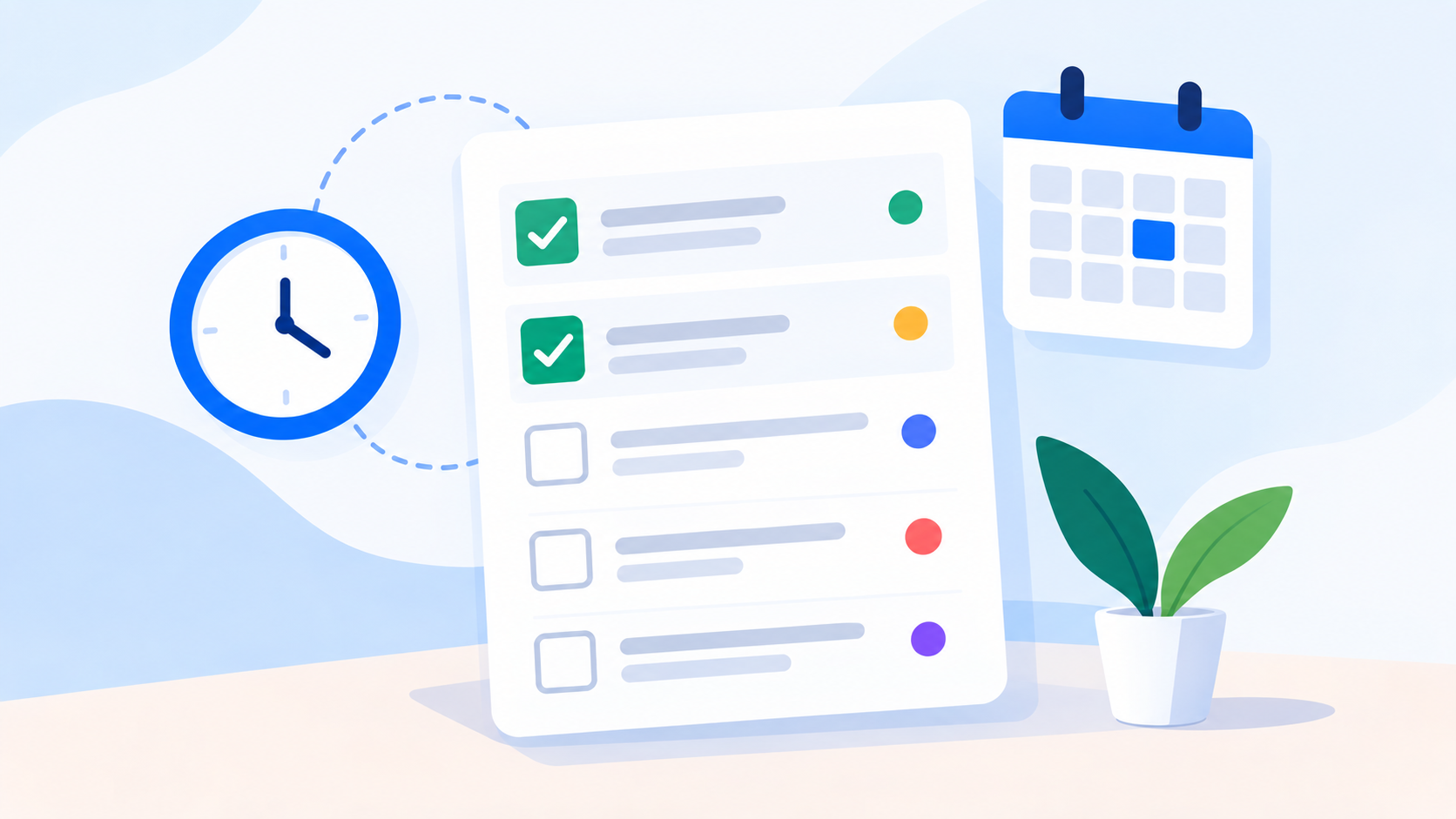
A daily task tracker gives individuals and teams a clear view of what needs to be done, what is in progress, what is overdue, and what should happen next.
Every working day comes with a familiar challenge: there is more work to manage than there is time to think about every individual responsibility. Emails need responses, projects need progress, deadlines are approaching, meetings generate new actions, and unexpected requests can quickly change the plan.
Without a reliable way to organize that work, it is easy to spend the day reacting instead of making meaningful progress.
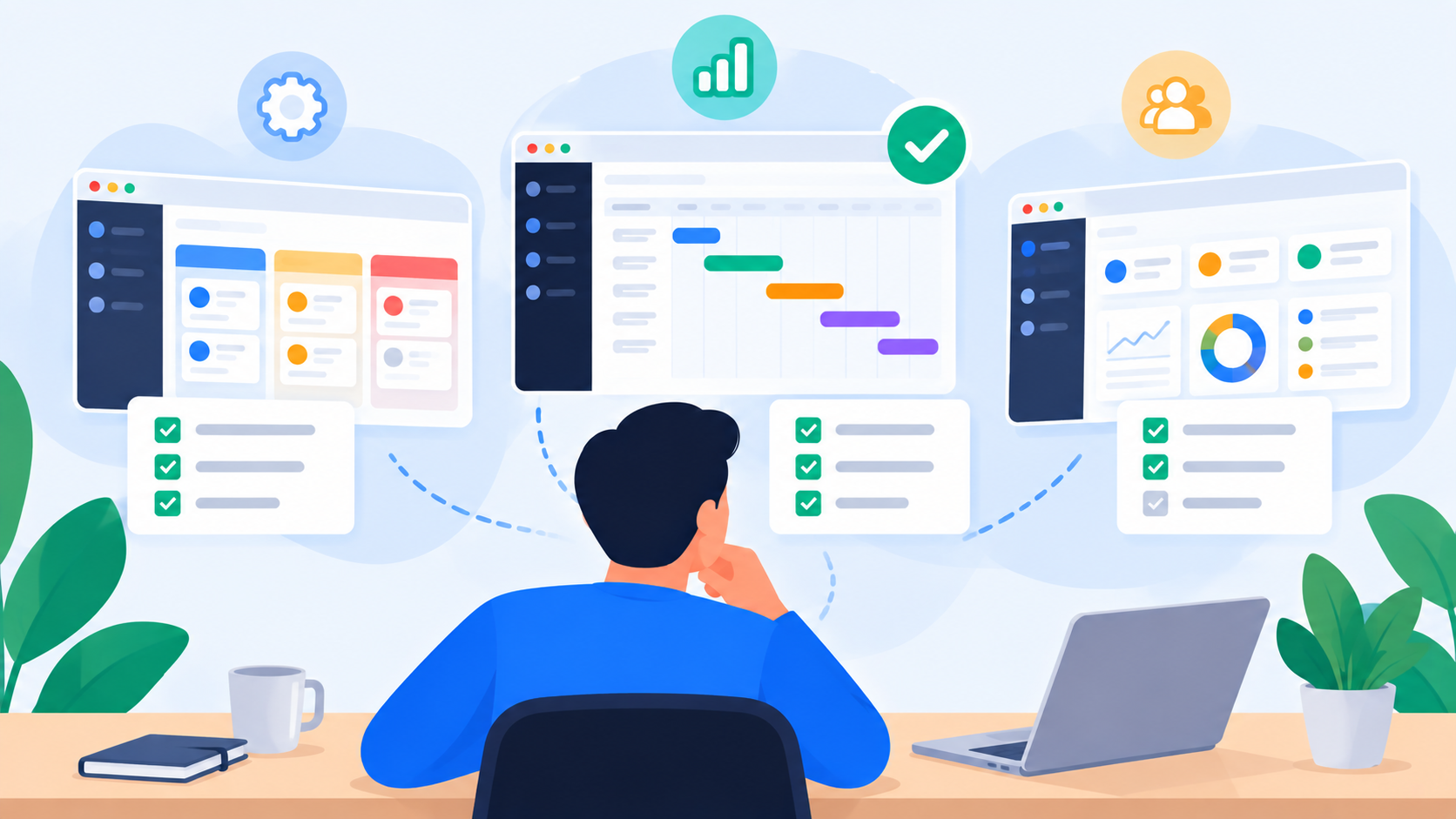
A daily task tracker provides a simple way to bring that work into focus. It gives individuals and teams a clearer view of what needs to be done, what is already in progress, what has been completed, what is overdue, and what should receive attention next.
The real value, however, goes beyond creating another checklist. When daily tasks are connected to priorities, deadlines, projects, ownership, and workload, task tracking becomes part of a much larger system for managing work.
What Is a Daily Task Tracker?
A daily task tracker is a tool or system that helps individuals and teams organize, prioritize, monitor, and complete their work throughout the day.
A simple tracker might contain nothing more than a list of tasks. A modern daily task management platform can provide considerably more context by connecting each task with an owner, priority, deadline, project, status, files, comments, and other information required to complete the work.
This distinction matters because knowing what needs to be done is only the beginning.
A useful tracker should also help you understand the relationship between tasks and the wider workload. A task that appears simple on its own may be part of a larger project, depend on another person's work, or have a deadline that makes it significantly more important than other tasks.
For that reason, a strong daily work tracker should make work visible without making the process of tracking work unnecessarily complicated.
Why Daily Task Tracking Matters
The modern workday rarely follows the plan created at 9:00 in the morning.
A client may request a change. A manager may introduce a new priority. A project may require additional work. A task may become blocked because someone else has not completed their part. By the end of the day, the original task list may no longer represent reality.
This is where consistent task tracking becomes useful.
Instead of relying on memory or scattered information across emails, messaging applications, spreadsheets, calendars, and personal notes, a centralized tracker provides a current view of the work.
For individuals, this can make it easier to focus on the most important responsibilities. For teams, it creates shared visibility. For managers, it provides a clearer understanding of progress and potential delivery problems.
The objective is not to track every minute of the working day. The objective is to make the work itself easier to understand, prioritize, and manage.
Daily Task List vs. Daily Task Tracker
A daily task list and a daily task tracker may look similar, but there is an important difference between them.
A basic list is primarily a reminder of what needs to be done. A tracker adds context and allows that information to change as the work progresses.
Daily Task ListDaily Task TrackerRecords what needs to be doneRecords and monitors workUsually focused on the individualCan support individuals and teamsLimited contextCan include owners, priorities, deadlines, files, and commentsOften disconnected from projectsCan connect tasks to projectsUsually focused on completionTracks progress and statusLimited visibility for managersProvides broader work visibilityOften staticCan change as priorities and conditions change
For simple personal responsibilities, a checklist may be perfectly adequate. But when multiple people, projects, deadlines, and dependencies are involved, task tracking software provides a much more useful operational picture.
What Should You Track Every Day?
The information captured in a task tracker should be detailed enough to provide clarity without creating unnecessary administration.
For most professional teams, the most useful task information includes:
Task: A clear description of the expected work or outcome.
Owner: The person responsible for completing or progressing the task.
Priority: An indication of how important the work is relative to other responsibilities.
Deadline: The expected delivery date or time.
Status: Whether the task is pending, in progress, completed, blocked, or waiting for review.
Project: The larger initiative or objective the task belongs to.
Context: Relevant files, links, comments, requirements, or information needed to complete the work.
These elements work together. A task without an owner creates ambiguity. A task without a deadline can remain open indefinitely. A task without context can require unnecessary back-and-forth communication.
The goal of a daily task tracker app should therefore be to keep the important information close to the work itself.
How to Organize Your Daily Tasks
Good task tracking starts before the work begins.
Instead of opening a task list and immediately working on the first item, take a few minutes to understand what is already in progress, what is due soon, and what has the greatest impact on the day.
A practical daily workflow can follow this sequence:
Review unfinished work from previous days and identify anything that still requires attention.
Check upcoming deadlines so important delivery dates do not become surprises.
Prioritize the day's work based on urgency, business impact, dependencies, and deadlines.
Identify blocked tasks that cannot progress until another person, approval, or piece of information becomes available.
Check your available capacity before adding more work to the day.
Update tasks as work progresses so the tracker reflects the current situation.
Review the day before finishing and decide what should continue into the next working period.
This creates a simple rhythm:
Review → Prioritize → Execute → Update → Review again
The important part is not creating a perfect plan. It is maintaining a reliable picture of the work as reality changes.
Prioritization Matters More Than Having a Long Task List
A long task list can create the illusion of productivity while making it harder to decide what deserves attention.
If twenty tasks are all marked as equally important, the priority system is not actually helping.
A more useful approach is to distinguish between levels of importance.
PriorityMeaningExampleCriticalImmediate impact on delivery or businessResolving an issue blocking today's launchHighImportant and deadline-drivenDelivering a client presentationMediumImportant but flexiblePreparing next week's campaign planLowUseful but not urgentOrganizing older project files
Priorities should not be permanent. A task that is low priority today may become critical tomorrow because a deadline changes or another dependency is completed.
This is another advantage of digital task management software: priorities can be adjusted as work changes without rebuilding the entire task list.
Connect Daily Tasks to Projects
One of the weaknesses of a basic checklist is that it can separate daily activities from the objectives they support.
Consider a task such as "Create campaign report."
On its own, the task provides limited information.
Connect it to a marketing campaign, a client, a project deadline, and a manager review, and suddenly its importance becomes much clearer.
The relationship looks something like this:
Daily Task → Project → Milestone → Business Objective
This connection benefits both employees and managers. Employees understand why the task matters, while managers can see how individual work contributes to project progress.
It also reduces the need for separate status conversations because the progress of the work is already connected to its wider context.
Daily Task Tracking for Teams
A team task tracker becomes particularly valuable when multiple people contribute to the same project.
Imagine a product launch involving marketing, design, development, and operations. Each department may have its own responsibilities, but the work is interconnected.
A delay in design can affect marketing. A development issue can delay testing. A late approval can prevent the campaign from launching on schedule.
Without shared visibility, every department may appear to be progressing normally while the overall project is quietly falling behind.
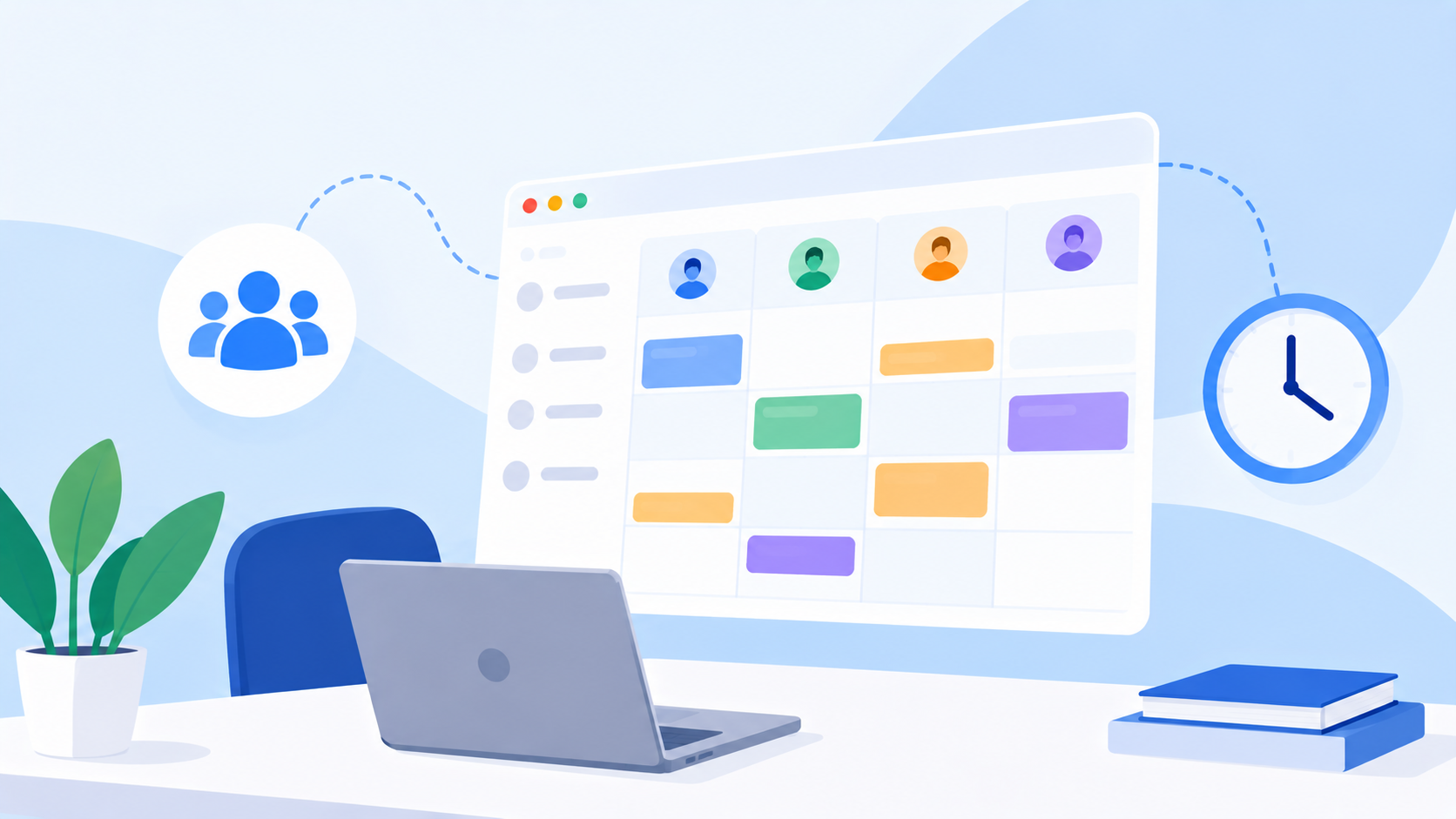
A shared task management system makes these relationships easier to understand. Team members can see their responsibilities, managers can monitor progress, and everyone has a clearer view of what is completed, what is active, and what is preventing work from moving forward.
Daily Task Tracking and Workload Management
One of the biggest limitations of simple task tracking is that not every task represents the same amount of work.
Five small administrative tasks may require less effort than one complex project. Likewise, three urgent tasks with overlapping deadlines can create considerably more pressure than ten routine assignments.
This is why workload management should be considered alongside daily task tracking.
SituationSimple Task TrackerWorkload-Aware SystemEmployee has 10 tasksShows 10 assignmentsHelps assess the actual workloadEmployee has 3 tasksShows 3 assignmentsRecognizes that three large tasks may consume most capacityTeam has many open tasksShows a high task countShows how work is distributed across the teamNew project arrivesShows new work to assignHelps determine whether the team can absorb it
This distinction becomes increasingly important as teams manage multiple projects simultaneously.
The objective is not to keep every employee busy all the time. The objective is to understand available capacity and distribute work in a way that supports sustainable delivery.
Why Managers Need More Than Daily Checklists
For an individual, daily tracking is mainly about organization and focus.
For a manager, it should provide a broader view of how work is moving through the team.
A manager may need to understand:
Which tasks are approaching their deadlines.
Which assignments are already overdue.
Where work is accumulating.
Which employees have overlapping or excessive assignments.
Which projects have significant outstanding work.
Which tasks are waiting for approval.
Where potential delivery risks are developing.
Whether the team has enough capacity for new work.
This is where daily task tracking software becomes part of a broader work management strategy.
The tracker is no longer simply a place where employees mark tasks as completed. It becomes a source of operational visibility that helps managers make better decisions about priorities, resources, and delivery.
From Daily Tasks to Better Project Delivery
The ultimate purpose of daily task tracking is not to create more records.
It is to improve the way work moves through the organization.
When tasks have clear ownership, realistic deadlines, meaningful priorities, and visible progress, teams have a stronger foundation for delivering projects consistently.
A useful work management cycle looks like this:
Plan the work
Assign ownership
Set priorities
Execute the work
Track progress
Review workload
Adjust when priorities or capacity change
Complete and approve the work
This creates a continuous connection between planning and execution.
Instead of creating a plan once and hoping it survives the week, teams can continuously adjust their work according to changing priorities, deadlines, and capacity.
What to Look for in a Daily Task Tracker
Not every task management tool is designed for the same type of work.
A personal checklist may be enough for simple responsibilities, while a growing team may need a system that connects daily tasks with projects, workload, and delivery.
When evaluating a daily task tracker, consider the following:
CapabilityWhy It MattersTask managementKeeps work organized and visibleOwnershipMakes responsibility clearPrioritiesHelps teams focus on important workDeadlinesKeeps time-sensitive work visibleProject connectionLinks daily activities to larger objectivesStatus trackingShows how work is progressingWorkload visibilityHelps identify overloaded or underutilized capacityCollaborationKeeps relevant communication close to the workApprovalsCreates a structured review processActivity historyProvides accountability and visibility into changes
The best system is not necessarily the one with the longest feature list. It is the one that provides the information people actually need while remaining simple enough to use consistently.
How uboord Turns Daily Task Tracking Into Work Management
uboord is designed around the idea that daily task tracking should be connected to the wider way an organization manages work.
Instead of separating tasks, projects, workload, capacity, and accountability into different systems, uboord brings task management, project management, workload management, capacity planning, accountability, and delivery tracking together in one workspace.
Tasks can contain owners, priorities, deadlines, files, links, comments, and other information needed to manage work from assignment through delivery.
The platform also goes beyond simply counting tasks. Its workload engine considers factors such as task size, priority, deadlines, capacity, and overlapping work to create a more meaningful view of workload.
This means a daily task can be understood in the context of the person's wider workload rather than being treated as an isolated checkbox.
For teams, that creates a stronger connection between what someone needs to accomplish today and the work they are already carrying across projects.
uboord also supports a structured task lifecycle that can move from Assigned → In Progress → Completed → Approved → Locked → Archived, giving organizations a clearer record of how work progresses and who is accountable for it.
The result is a more connected approach to daily work: employees can manage their responsibilities, managers can understand workload and progress, and projects can be tracked from assignment through delivery.
How to Get More Value From Your Daily Task Tracker
The technology itself is only part of the solution. Teams also need a consistent approach to using it.
A few practical principles can make daily task tracking considerably more effective:
Keep task descriptions specific enough that the expected outcome is clear.
Assign a clear owner instead of leaving responsibility ambiguous.
Use priorities selectively rather than making everything urgent.
Give important work realistic deadlines.
Keep relevant project information connected to the task.
Update status when the situation genuinely changes.
Review workload before assigning additional responsibilities.
Keep completed work visible when it provides useful delivery or accountability history.
Use the tracker as the shared source of truth rather than maintaining parallel lists in multiple places.
Consistency matters more than complexity.
A simple system that a team uses every day will generally provide more value than a sophisticated system that nobody keeps updated.
Final Thoughts
A daily task tracker can begin as a simple checklist, but its real value appears when daily work is connected to priorities, ownership, deadlines, projects, workload, and delivery.
For individuals, it provides focus and structure. For teams, it creates shared visibility. For managers, it provides a clearer understanding of progress, workload, and potential delivery risks.
The best task tracking system does not simply tell you what was completed today. It helps you understand what matters, who owns it, what is happening next, and whether the available capacity is enough to deliver the work.
That is the difference between simply tracking tasks and actually managing work.
Ready to move beyond scattered to-do lists? Start using uboord to manage daily tasks, projects, workload, capacity, and delivery in one connected workspace.
Start with uboord today and turn everyday tasks into visible, organized, and measurable progress.
- #task-tracker