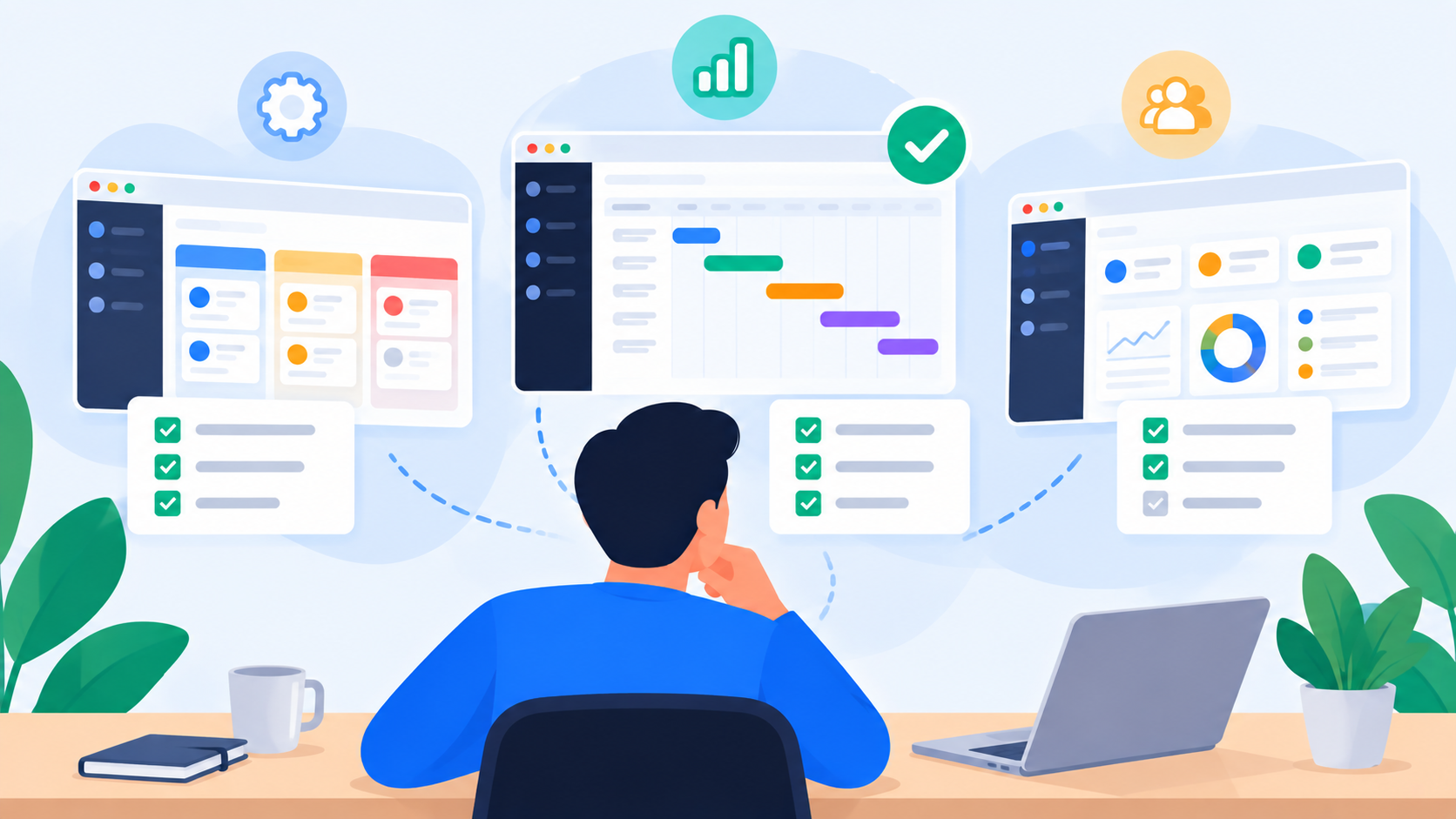
Workforce Management Software: A Complete Guide

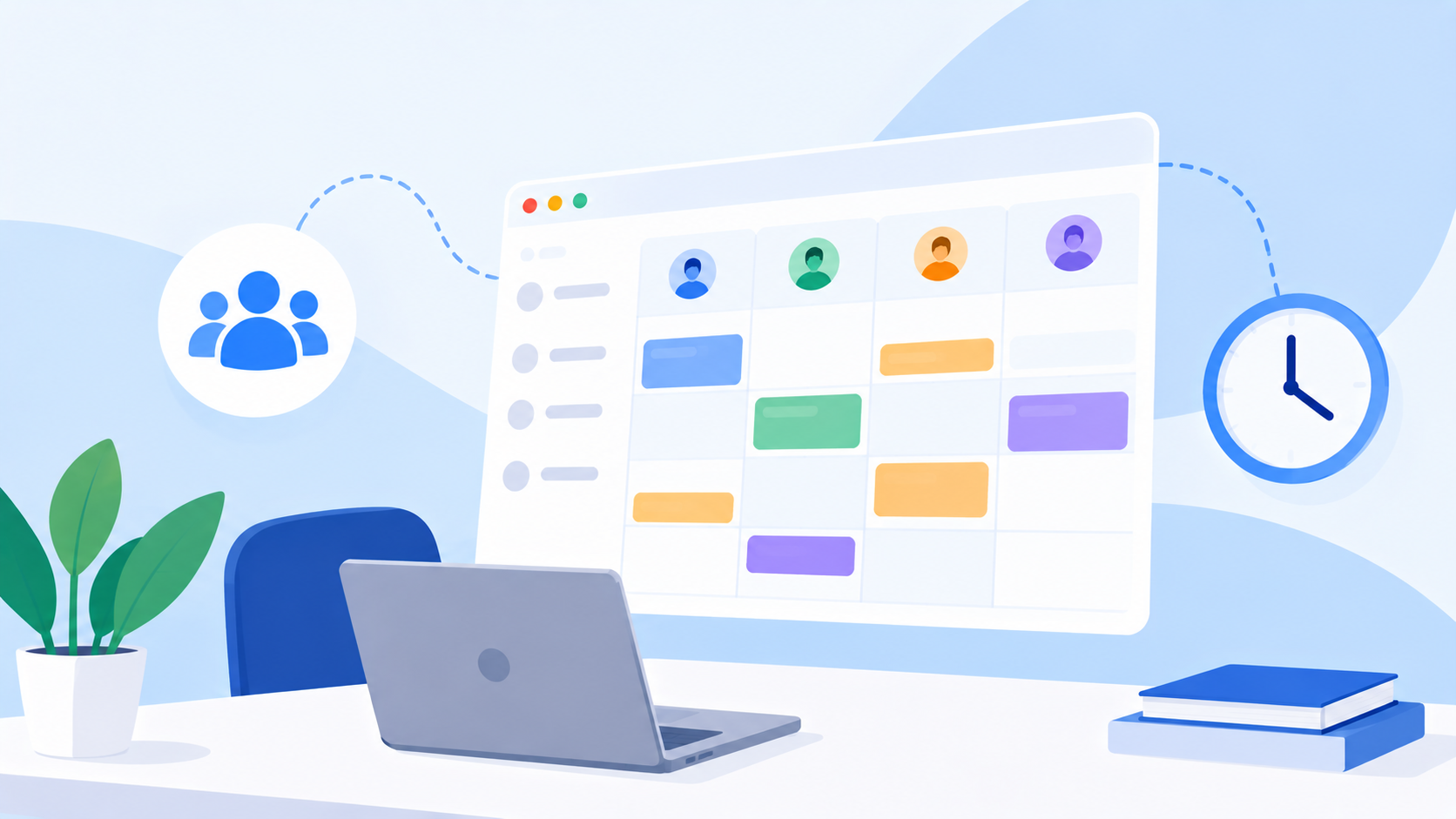
Workforce management software helps organizations move beyond employee scheduling by giving managers visibility into workload, capacity, ownership, deadlines, and delivery.
What Is Workforce Management Software?
Workforce management software is technology designed to help organizations plan, organize, monitor, and optimize how people are assigned to work.
Traditionally, workforce management has been closely associated with employee scheduling, attendance, shifts, time tracking, and staffing requirements. Those functions remain important, particularly for organizations with shift-based teams. But for modern project-driven teams, workforce management involves another critical question: how much work can each person realistically handle, and how does that work affect delivery?
A marketing team may have ten employees, but that does not mean all ten have the same availability. One designer may already be handling several urgent campaigns, while another may have capacity for additional work. A project manager may see twenty open tasks across a team, but the number of tasks alone does not reveal whether the team is overloaded.
This is where modern workforce management software becomes increasingly valuable. Instead of looking only at the workforce as a list of employees, organizations can look at the relationship between people, work, capacity, priorities, and deadlines.
The result is a more complete view of how work actually gets done.
Why Workforce Management Has Changed
Work has become more distributed, cross-functional, and project-based. Employees may contribute to several projects at the same time, departments may depend on one another, and priorities can change throughout the week.
This creates a management problem that spreadsheets and basic task lists often struggle to solve.
A manager may know that an employee has ten tasks assigned to them. But are those ten tasks small administrative requests, or are they ten large projects with overlapping deadlines?
The difference matters.
Effective workforce management therefore requires more than counting assignments. Managers need visibility into:
Workload across individuals and teams
Capacity available during a specific period
Task priority and urgency
Delivery dates and deadlines
Ownership of individual responsibilities
Dependencies between pieces of work
Approval requirements before work can be considered complete
Utilization and workload balance across departments
Progress against planned delivery
When these elements are connected, workforce management becomes less about maintaining employee records and more about managing the flow of work.
Workforce Management vs. Employee Management
The two concepts are related, but they solve different problems.
Employee management generally focuses on people. Workforce management focuses on the relationship between people and the work that needs to be delivered.
Employee ManagementWorkforce ManagementEmployee informationPeople and workRoles and responsibilitiesWork allocationAttendanceCapacityPerformance conversationsWorkload visibilityHR processesResource planningEmployee availabilityDelivery capacityIndividual managementTeam and organizational coordination
For a project-driven organization, knowing that someone is available does not necessarily mean they have capacity.
Someone can be present, online, and technically available while already operating at full workload.
That distinction is one of the most important concepts in modern workforce planning.
The Difference Between Capacity and Workload
One of the most common workforce management mistakes is treating capacity and workload as the same thing.
They are not.
Capacity represents how much work a person or team can reasonably take on during a particular period.
Workload represents how much work has actually been assigned relative to that available capacity.
For example, imagine a project coordinator has a weekly capacity of 40 working hours. Their existing projects may already require approximately 34 hours of work. Assigning another 15 hours of work does not create a 49-hour capacity. It creates a potential workload imbalance.
This is why effective workforce capacity planning software should help managers compare planned work against available capacity rather than simply display a list of assignments.
The goal is not to keep everyone busy.
The goal is to understand whether the right amount of work is assigned to the right people at the right time.
Why Workload Visibility Matters
A team can look productive while quietly becoming overloaded.
The warning signs often appear before a deadline is missed. Tasks begin accumulating, urgent requests interrupt planned work, approvals take longer, and employees start switching between projects.
Without a clear workload view, these problems can be difficult to see until they affect delivery.
A workforce management system should therefore help managers identify patterns such as:
An employee carrying significantly more work than colleagues with similar capacity.
Several high-priority tasks converging around the same deadline.
A department approaching its available capacity.
Work being assigned to people who already have multiple overlapping priorities.
Projects requiring additional resources before delivery becomes at risk.
Available capacity sitting unused while another employee is overloaded.
This creates an opportunity to act earlier.
Instead of asking why a deadline was missed, managers can identify the workload imbalance that made the deadline difficult to achieve in the first place.
What Should Workforce Management Software Include?
The exact features depend on the organization, but a modern workforce management platform should connect the operational information managers need to make decisions.
1. Workforce Capacity Planning
Capacity planning gives managers a view of how much work teams can realistically absorb.
A useful system should allow organizations to account for working hours, availability, existing assignments, and planned work. This creates a more realistic foundation for resource allocation.
Capacity planning is particularly useful when teams manage multiple projects simultaneously because it helps managers understand whether new work can be accepted without disrupting existing commitments.
2. Workload Management
Workload management software should make it possible to see how work is distributed across employees and teams.
The objective is not simply to show how many tasks someone has. Task size, priority, deadlines, and overlapping assignments can all affect the actual workload.
A workload engine can turn these variables into a more meaningful picture of team capacity and utilization.
That information can then support practical decisions such as reallocating work, adjusting deadlines, or bringing additional resources into a project.
3. Task and Project Management
Workforce management becomes much more useful when it is connected directly to the work itself.
Tasks should contain the information necessary to understand what needs to happen, who owns it, when it is due, and what priority it carries.
This creates a connection between workforce planning and execution.
Instead of maintaining one tool for people and another for projects, teams can work from the same operational picture.
4. Ownership and Accountability
Assigning work is only one part of workforce management.
Organizations also need to know who is responsible for moving each piece of work forward.
Clear ownership helps teams understand responsibility while giving managers visibility into progress.
For organizations with approval processes, the workflow can extend from assignment to completion and review. uboord, for example, structures work around a lifecycle that can move from Assigned → In Progress → Completed → Approved → Locked → Archived, creating a traceable record of how work progresses through the organization.
From Task Lists to Workforce Intelligence
A traditional task list answers a basic question:
What needs to be done?
A workforce management system should answer a much broader set of operational questions.
It should help managers understand what work exists, who owns it, when it needs to be delivered, how much capacity is available, and where workload is becoming unbalanced.
This is the difference between task tracking and workforce intelligence.
Consider two teams with exactly the same number of open tasks.
Team A has mostly small, low-priority tasks distributed across employees with available capacity.
Team B has several large, urgent tasks assigned to two employees who are already handling multiple projects.
A basic task counter might show similar numbers.
A workforce management system should reveal a very different operational situation.
That distinction is critical for project managers, department heads, operations leaders, and business owners.
How Workforce Management Software Helps Project Managers
Project managers often sit between business expectations and team capacity.
They need to translate project requirements into realistic assignments while keeping deadlines and priorities under control.
Workforce management software can support this process by bringing several layers of information together.
Before assigning work
Managers can examine current workload and capacity before adding new responsibilities.
During execution
They can monitor progress, changing priorities, deadlines, and workload distribution.
When problems appear
They can identify overloaded employees or capacity gaps and adjust assignments.
Before delivery
They can review outstanding work and determine whether the available resources are sufficient to meet upcoming deadlines.
This makes workforce planning part of the project management process rather than a separate administrative activity.
Workforce Management for Growing Teams
Small teams often rely on informal communication because everyone knows what everyone else is doing.
That approach becomes increasingly difficult as the organization grows.
Once several departments, projects, managers, and priorities are involved, information becomes fragmented across spreadsheets, emails, messaging applications, calendars, and individual task lists.
The challenge is not necessarily a lack of information.
It is the lack of a shared operational view.
A centralized workforce management system can provide that shared view by connecting people, projects, tasks, capacity, deadlines, and accountability.
This becomes particularly valuable when managers need to coordinate work across departments rather than within a single team.
Workforce Management Across Departments
In larger organizations, workload problems can exist at multiple levels.
An individual may be overloaded.
A team may be approaching full capacity.
A department may have more incoming work than it can handle.
Meanwhile, another department may have available capacity that could potentially support the organization.
This is why workforce management should operate beyond individual task lists.
Managers may need visibility across:
Marketing
Design and creative
Sales
Operations
Production
Customer support
Product
Technology
Administration
The objective is not to make every department operate identically. It is to give leadership enough visibility to understand how work is distributed throughout the organization.
How uboord Approaches Workforce Management
uboord approaches workforce management from the perspective of work visibility.
Rather than treating workforce management as only scheduling or employee administration, uboord connects task management, project management, workload management, capacity planning, accountability, and delivery tracking in one workspace.
Its workload engine is designed to look beyond a simple task count. It considers factors such as task size, priority, deadlines, capacity, and overlapping work to calculate a more meaningful workload percentage.
That distinction matters because ten tasks do not necessarily represent the same amount of work.
A manager can therefore use workload visibility to identify imbalances, understand capacity pressure, and make better-informed decisions about how work should be distributed.
uboord also combines this visibility with task ownership, approvals, activity history, and delivery tracking, allowing organizations to connect workforce planning with actual execution.
What Makes a Workforce Management System Useful?
The value of workforce management software ultimately comes down to whether it helps managers make better operational decisions.
A useful system should make it easier to answer questions such as:
Where is our available capacity?
Which employees or teams are approaching overload?
Which projects are consuming the most resources?
Where are upcoming deadlines creating pressure?
Can we accept new work without affecting existing commitments?
Should work be reassigned?
Which departments need additional capacity?
What work is waiting for approval?
What has been completed and formally approved?
Where are delivery risks emerging?
These questions connect planning with execution.
That is what makes workforce management more than another administrative dashboard.
How to Choose Workforce Management Software
When evaluating a workforce management software solution, look beyond the feature list and examine how the system fits your actual operating model.
Consider these areas:
Workload visibility: Can managers see how work is distributed across individuals and teams?
Capacity planning: Can the system compare planned work with available capacity?
Task management: Can employees and managers manage the actual work from the same environment?
Project visibility: Can workload be understood in the context of projects and deadlines?
Accountability: Does the platform clearly establish ownership and responsibility?
Approvals: Can completed work move through a structured review process?
Reporting: Can managers understand workload, utilization, progress, and delivery?
Scalability: Can the system support the organization as teams and departments grow?
Ease of use: Will employees actually use the system as part of their daily workflow?
The best implementation is not necessarily the platform with the longest feature list. It is the one that gives the organization a reliable operational picture without creating unnecessary administrative work.
Workforce Management Is Ultimately About Better Work Allocation
Technology cannot eliminate every workforce challenge.
Projects change. Priorities move. Customers request urgent work. Employees become unavailable. New opportunities appear unexpectedly.
The purpose of workforce management software is not to predict every change perfectly.
Its purpose is to give managers enough visibility to respond intelligently when those changes happen.
When workload, capacity, ownership, deadlines, and project information exist in separate systems, managers are forced to reconstruct the situation manually.
When those elements are connected, workforce planning becomes part of everyday work management.
That creates a more practical approach to managing teams: understand the work, understand the capacity, identify the pressure points, and adjust before small imbalances become larger delivery problems.
Final Thoughts
Modern workforce management is moving beyond simple employee scheduling and attendance tracking. For project-driven organizations, the bigger challenge is understanding how work is distributed, how much capacity teams actually have, and whether current assignments can support expected delivery.
That requires visibility across tasks, projects, people, deadlines, priorities, workload, and capacity.
A platform such as uboord brings these elements together so organizations can manage not only who is working, but what they are working on, how much work they are carrying, and how that work is progressing toward delivery.
If your team is still managing workload through spreadsheets, disconnected task lists, and constant status updates, it may be time to move toward a more connected approach.
Start with uboord and turn workforce management into a visible, measurable part of how your organization works.
Start free at uboord.com and explore how task management, workload management, capacity planning, and delivery tracking can work together in one platform.
- #workload