Best Todo List App for Smarter Work Management


Discover what makes the best todo list app useful for everyday tasks, priorities, deadlines, and growing workloads
A good todo list sounds simple: write down what needs to be done, check tasks off, and move on.
But once your list starts filling with work deadlines, recurring responsibilities, projects, meetings, approvals, and team requests, a basic checklist can quickly become difficult to manage.
That is why choosing the best todo list app is about more than finding a place to write tasks. The right app should help you organize priorities, stay on top of deadlines, understand what needs attention next, and, when you work with a team, see how work is distributed.
Whether you need a simple personal task manager or a more complete work management solution, here is what to look for.
What Makes a Todo List App the Best?
Not every task management app solves the same problem.
Some are designed primarily for personal productivity. Others focus on project management, collaboration, or complex business workflows.
The best todo list app should make everyday task management easier without creating unnecessary complexity.
Look for features such as:
Simple task creation
Clear priorities
Due dates and deadlines
Task ownership
Notes, comments, and attachments
Easy task organization
Progress tracking
Reminders and alerts
Recurring or ongoing work management
Team visibility when working collaboratively
The important thing is that these features should help you work more effectively rather than simply giving you more buttons to manage.
A Simple Todo List Is Great Until Work Gets Complicated
A personal checklist works extremely well when you are managing a relatively small number of tasks.
You might have a list containing:
Reply to an important email
Finish a presentation
Call a client
Review a document
Prepare for tomorrow's meeting
Checking these items off is straightforward.
The problem appears when dozens of tasks come from different projects, people, and deadlines.
Suddenly, you need to know more than what is on your list.
You need to know what is urgent, what can wait, what belongs to which project, who owns a task, and whether you realistically have enough time to complete everything.
That is where a more capable task management app becomes valuable.
Priorities Turn a Long List Into a Plan
One of the biggest problems with traditional todo lists is that they can make every task look equally important.
They are not.
A task due tomorrow should probably receive more attention than something that can wait until next month. A high-impact client request may also deserve attention before a low-priority administrative task.
A good todo list app should therefore let you organize tasks according to priority.
This helps you answer a simple question:
What should I work on next?
Instead of staring at a long list and deciding what matters every time you open the app, priorities give your work some structure.
Deadlines Keep Tasks From Getting Lost
A task without a deadline can easily become a task that never gets finished.
This is especially common with work that is important but not immediately urgent.
A useful task management app should make deadlines visible and easy to track. This gives you a better understanding of what needs to be completed today, what is coming next, and where deadlines might be at risk.
For teams, deadline visibility becomes even more important.
A manager may need to understand whether a project is progressing as expected without asking every team member for an update.
The Best Todo List App Should Work for Teams Too
Personal productivity is only one part of modern work.
Most teams manage tasks across multiple projects, clients, departments, or internal responsibilities.
In that environment, a simple personal todo list may not be enough.
You need to know:
Who is responsible for each task?
What is currently in progress?
Which tasks are overdue?
What work is waiting for approval?
Which projects have the most activity?
Who has too many tasks at the same time?
This is where the difference between a todo list app and a broader work management platform becomes clear.
A task list tells you what needs to be done.
A work management platform can help you understand how the work is actually moving.
Task Count Does Not Tell You Everything
Imagine two employees who each have ten open tasks.
At first glance, their workload looks identical.
But what if one employee's tasks are mostly quick administrative jobs while the other is responsible for several large projects with urgent deadlines?
Counting tasks alone does not reveal that difference.
This is why workload visibility can be an important feature when choosing a task management solution for a team.
Instead of simply asking how many tasks someone has, you can start thinking about the size, priority, deadlines, and overlap of their work.
Why Workload Management Matters
As teams grow, assigning tasks becomes more difficult.
A manager may unintentionally give too much work to the same people simply because they are reliable or available when a request arrives.
Meanwhile, another team member may have more capacity than expected.
A workload-focused system can make these imbalances easier to identify.
This is particularly useful for agencies, marketing teams, creative teams, operations teams, and project-based businesses where people often work across several projects simultaneously.
What About uboord?
If you want something that goes beyond a basic checklist, uboord combines task management with project organization, accountability, and workload visibility.
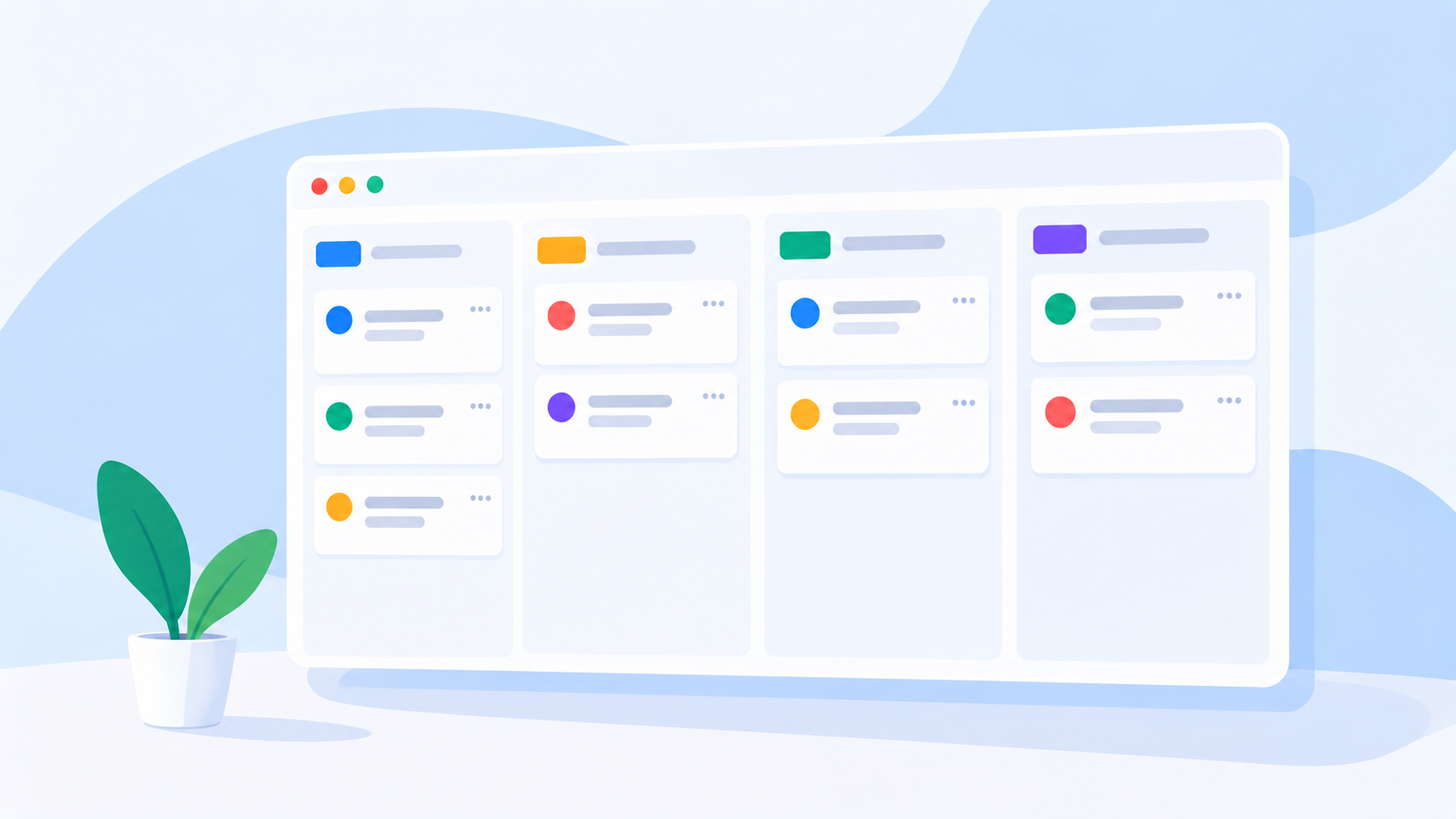
You can create tasks, assign owners, set priorities and deadlines, attach files and links, add comments, and organize work through customizable taskboards.
The platform is designed to make work visible without forcing teams to manage everything through complicated project structures.
More importantly, uboord adds workload management to the task management experience.
Its workload engine considers factors such as task size, priority, deadlines, and overlapping work to help provide a more meaningful picture of workload.
That means managers can look beyond the number of tasks assigned to someone and get a better understanding of how much work they are actually carrying.
Personal Work and Team Work in One Place
Not every user needs advanced team management.
If you are managing your own work, uboord provides a free individual account forever, giving you a way to organize personal tasks, priorities, deadlines, and projects without requiring a paid subscription.
When your needs become more collaborative, teams can upgrade to plans designed for growing organizations.
Startup and Enterprise plans provide more advanced capabilities for shared team management, workload tracking, and broader team or department visibility.
This creates a useful progression: start with the task management features you need today and expand as your work becomes more complex.
How to Choose the Best Todo List App
Before choosing an app, think about how you actually work.
If you only need a personal checklist, prioritize simplicity. You should be able to create, organize, and complete tasks quickly.
If you work across multiple projects, look for stronger organization and deadline management.
If you manage a team, consider features such as task ownership, progress visibility, workload tracking, approvals, and management reporting.
A good checklist of questions is:
Can I create and organize tasks quickly?
Can I set priorities and deadlines?
Can I assign tasks to other people?
Can I see what is currently in progress?
Can I track workload across a team?
Can the system grow with my needs?
The answers will help you determine whether you need a simple todo list or a complete work management platform.
A Better Todo List Starts With Better Visibility
The best todo list app is not necessarily the one with the longest feature list.
It is the one that makes your work easier to understand and manage.
For individuals, that might mean having a clean place to organize tasks and deadlines.
For teams, it means going further: understanding ownership, priorities, project progress, and workload before small issues turn into missed deadlines or bottlenecks.
That is where uboord can become more than another task list. It gives individuals a free way to manage their work while giving growing teams the tools to organize, track, and balance work more effectively.
Ready to move beyond a basic todo list? Try uboord for free and build a smarter way to manage your work.
- #todo