How to Choose the Best Project Tracking Software

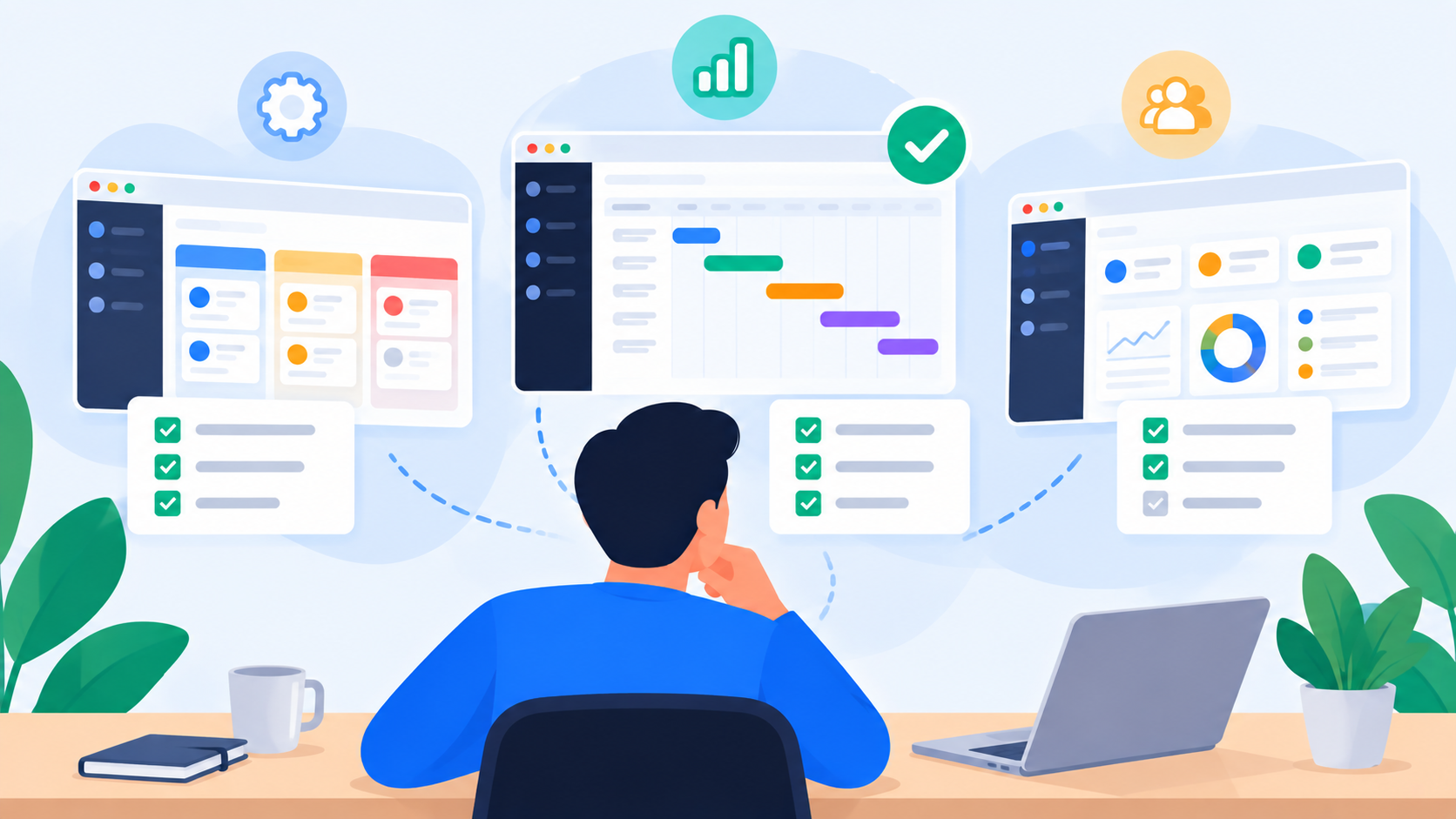
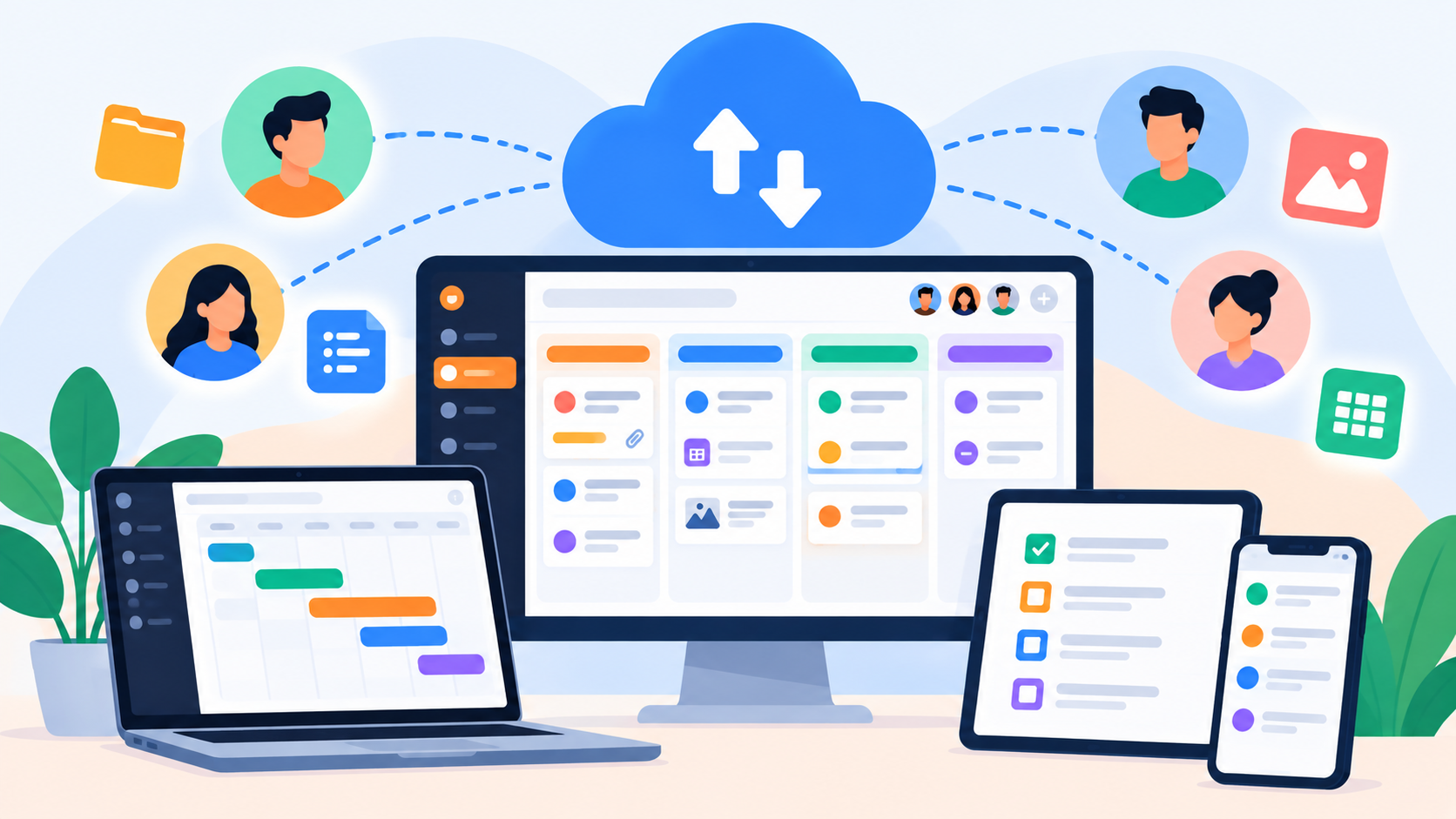
Choosing project tracking software is about more than finding a task list or project board. Learn which capabilities matter, what to compare, and how to choose a platform that can grow with your team.
Choosing the right project tracking software can have a bigger impact on a team's daily work than simply giving everyone another place to create tasks. The right platform can make ownership clearer, deadlines easier to manage, progress more visible, and workload easier to understand. The wrong one can add another layer of administration while your team continues relying on spreadsheets, chat messages, emails, and meetings to understand what is actually happening.
That is why the question should not simply be, "Which project management tool has the most features?" A better question is whether the software can give your team a dependable picture of the work from the moment a task is created through completion and delivery.
For a project manager, that picture includes the details of individual tasks as well as the wider project. For a team lead, it includes workload and capacity. For leadership, it may include delivery, utilization, priorities, and activity across departments. The best solution is therefore the one that provides the right level of visibility without making everyday work unnecessarily complicated.
“What gets measured gets managed.” — Peter Drucker
The principle is particularly relevant to project tracking. If important work is spread across disconnected systems, it becomes difficult to understand the actual state of a project. A good tracking system turns that scattered information into something the team can work with.
What Is Project Tracking Software?
Project tracking software is a platform that helps teams organize project work and monitor it as it moves from planning to completion. Depending on the product, this can include task management, project boards, deadlines, priorities, milestones, files, collaboration, approvals, reporting, workload management, and capacity planning.
At a basic level, project tracking helps a team understand the current state of its work. More advanced platforms go further by connecting tasks with the people responsible for them, the time available to complete them, and the decisions required to move them forward.
A useful project tracking system should make several areas of work visible:
Tasks and responsibilities: what needs to be done and who owns it.
Priorities and deadlines: what matters most and when it needs to be delivered.
Project progress: how work is moving through the project workflow.
Blockers and dependencies: what is preventing work from progressing.
Approvals: which completed deliverables still require review or acceptance.
Workload and capacity: how much work people are carrying and whether additional work can realistically be assigned.
Delivery and accountability: what happened, who completed it, and what has been approved.
This distinction is important because not every product that calls itself a project tracker provides the same depth. A simple Kanban board may be enough for a small team, while a growing organization may need a connected system that explains the workload and capacity behind the tasks.
Start With the Problem, Not the Software
Before comparing project tracking tools, identify what is currently making project management difficult.
If your team loses tasks in email, your priority may be centralized task management. If deadlines are frequently missed, you may need stronger scheduling and priority visibility. If managers spend hours collecting status updates, you need better project-level reporting. If certain employees are repeatedly overloaded, workload and capacity should become part of your requirements.
This is why it helps to document the problems before opening a comparison table.
For example, a team might discover that its biggest problems are:
Tasks are created in several different places.
Nobody has a reliable view of who owns specific work.
Project managers manually request status updates.
Deadlines change without everyone seeing the change.
Approvals happen through email or chat.
Workload is tracked separately in spreadsheets.
Managers cannot easily compare capacity across projects.
Those problems tell you much more about what software you need than a generic list of "must-have features."
What Should the Best Project Tracking Software Include?
Once you understand your requirements, you can evaluate the capabilities that will actually support them.
1. Clear Task Ownership
Every meaningful task should have a clear owner. Without ownership, a project can look active while responsibility remains ambiguous.
A good task tracking system should make ownership visible alongside the task itself. People should be able to see what has been assigned to them, while managers should be able to understand who is responsible for important deliverables.
This becomes particularly valuable when several departments contribute to the same project. Instead of asking who is responsible for a specific piece of work, the answer should already exist within the system.
2. Deadlines and Priorities
Tasks become more useful when the team knows when they need to happen and how important they are.
A project tracking platform should make it easy to distinguish urgent work from work that can wait. It should also make approaching and overdue deadlines visible without requiring managers to manually inspect every task.
The goal is not to turn every task into an emergency. It is to give teams enough context to make sensible decisions about where to focus.
3. Project-Level Visibility
Tracking individual tasks is only one part of project management.
A manager also needs to understand how those tasks contribute to the wider project. The software should make it possible to move between task-level information and project-level progress without losing context.
Useful project-level information can include:
Overall progress
Active and completed work
Upcoming deadlines
Priority deliverables
Blocked tasks
Pending approvals
Workload across the project team
This is where project management software becomes more valuable than a basic to-do list. The system starts representing the project as a connected body of work rather than a collection of unrelated tasks.
Different Teams Need Different Views
A designer, project manager, department head, and executive do not need exactly the same project information.
A team member may need a focused view of assigned tasks and upcoming deadlines. A project manager may need a board or timeline showing the complete workflow. A department head may need to understand workload across several projects. Leadership may care more about delivery and organizational capacity than individual task details.
The best project tracking software for teams should therefore support different perspectives without forcing everyone into the same view.
This is one reason established platforms have developed different approaches to project visualization. Trello is strongly associated with visual Kanban boards, while Asana provides multiple project views and broader project management capabilities. monday.com emphasizes customizable work boards, and Jira is heavily oriented toward software development and agile workflows.
The important consideration is not which interface looks most impressive. It is whether the available views help each role understand the information relevant to its decisions.
Workload Is Where Basic Project Tracking Starts to Fall Short
One of the biggest mistakes teams make when evaluating project tracking software is assuming that knowing the number of assigned tasks tells them enough about workload.
It does not.
Five tasks could represent five small actions that can be completed quickly, or five complex deliverables competing for the same deadline. Two people can have the same number of tasks while carrying completely different levels of pressure.
This becomes especially important when teams manage multiple projects simultaneously.
A project manager might see that Sarah has six active tasks and Daniel has eight. That information alone does not tell the manager whether Sarah or Daniel is more heavily loaded. The size of the tasks, their priorities, deadlines, capacity, and overlap all affect the actual workload.
This is where uboord's workload engine takes a different approach. The system considers factors such as task size, priority, deadlines, capacity, and overlapping work to produce a workload percentage rather than simply counting tasks.
That distinction turns project tracking into something more useful for management: the ability to understand not just what work exists, but how that work is affecting the people responsible for it.
Look for Capacity Planning, Not Just Workload
Workload tells you what people are carrying. Capacity planning helps you understand whether they have room for additional work.
This matters when a new project arrives or an existing deadline moves forward. Adding another task is easy; understanding its impact on the team's existing commitments is much harder.
A capable project tracking system should help managers consider workload before making new assignments. If one person is already operating under heavy pressure while another has available capacity, the manager has information that can support reassignment or reprioritization.
uboord's model connects task assignments with capacity information, allowing the workload engine to identify pressure and support more balanced distribution of work. The product documentation describes the approach as measuring workload rather than simply guessing it.
For growing teams, this can become one of the most important differences between basic task management software and broader work management.
Make Approvals Part of the Project Workflow
A task can be completed without the project being ready to move forward.
A designer may finish an asset that still needs approval. A writer may complete content that requires an editor's review. A developer may finish a feature that still needs validation.
If the project tracking system marks all of these situations as simply "Done," the project can appear further ahead than it actually is.
A stronger workflow can distinguish between stages such as:
Assigned
In Progress
Completed
Approved
Locked
Archived
uboord uses this type of task lifecycle, with completed work moving through review and approval before being locked and archived. Its activity system also records actions and handoffs, creating an accountability record around the work.
This is particularly useful for organizations where approvals matter, including agencies, marketing teams, creative departments, production teams, and operations.
Accountability Should Be Built Into Project Tracking
Project tracking is not only about status.
It is also about establishing a record of responsibility.
A strong system should make it possible to understand who was assigned a task, who worked on it, when it changed status, and who approved the result. This creates a more reliable project history than relying on messages scattered across different communication channels.
uboord positions this accountability layer alongside task management and workload management. Its activity log records actions, while its task lifecycle connects responsibility with completion and approval.
For project leaders, this creates a useful distinction between activity tracking and accountability tracking. The first tells you what happened. The second connects what happened to the people and decisions responsible for moving the project forward.
Don't Ignore Collaboration and Context
A task without context can become another source of questions.
Imagine a task called "Update campaign." Someone opening it may still need to find the campaign brief, understand which version is current, locate the relevant files, and discover whether the client has already approved the direction.
A stronger task contains enough context for the owner to act.
When evaluating project tracking software, look for practical collaboration features such as:
File attachments
Task descriptions
Comments
Links
Activity history
Ownership
Status updates
Approval information
The objective is not to replace every communication platform your organization uses. It is to keep the context that matters to execution connected to the work itself.
Compare Tools Based on How Your Team Works
There are many established project tracking tools, but they are not interchangeable.
Trello is a board-first experience that makes workflow stages visually obvious and is often suitable for teams that prefer straightforward Kanban-style tracking.
Asana provides a broader project management environment with multiple ways to organize and visualize work, making it suitable for teams that need more than a simple board.
monday.com emphasizes customizable boards and workflows, allowing organizations to adapt the system to different operational processes.
ClickUp takes a broad work management approach, combining tasks with documents, goals, dashboards, and other work-management capabilities.
Jira is particularly focused on software development and agile project workflows, where issues, backlogs, sprints, and development processes are central.
These differences are useful because they demonstrate that there is no universal definition of the "best" project tracker. The right choice depends on the type of work, the size of the team, the complexity of projects, and the level of management visibility required.
Use a Real Project During Your Evaluation
One of the most reliable ways to compare project tracking software is to stop evaluating the platforms in theory.
Take a real project and run it through the software.
Create the actual tasks, assign real owners, add genuine deadlines, attach the relevant files, and reproduce the workflow your team normally uses. Then introduce a realistic change, such as a delayed task, a new urgent request, or an approval that takes longer than expected.
This gives you a much better understanding of how the platform behaves under real conditions.
During the test, evaluate whether the software helps your team:
Create and assign work quickly without unnecessary administration.
Understand priorities and deadlines without searching through multiple screens.
Track progress accurately as tasks move through the workflow.
Identify blocked or delayed work before it affects the wider project.
Understand workload and capacity when several projects overlap.
Maintain accountability and approvals without relying on separate spreadsheets or messages.
Give managers useful visibility without forcing them to inspect every task.
The strongest platform is often the one that makes the real project easier to manage, not the one that produces the longest feature comparison.
Avoid Choosing Software Based Only on Feature Count
Feature lists can be misleading.
Two platforms may both advertise task management, dashboards, collaboration, automation, reporting, and project boards while providing completely different experiences.
A better evaluation considers the relationship between the features.
For example, having workload information is useful. Having workload information connected to actual tasks, deadlines, priorities, and capacity is considerably more useful.
Having approvals is useful. Having approvals connected to the task lifecycle and activity history provides more context.
Having project reports is useful. Having reporting based on the same work people are actually managing reduces the need to maintain separate reporting systems.
This is why connected functionality matters more than raw feature count.
Consider the Cost of Fragmented Project Tracking
Poor project tracking often creates costs that do not appear on a software invoice.
A manager may spend hours preparing weekly status reports. Team members may duplicate information between a task platform and a spreadsheet. Employees may search through old messages to find project decisions. Managers may manually calculate workload before assigning new work.
Over time, these small inefficiencies become part of the organization's operating cost.
A good project tracking system should reduce that administrative burden rather than simply move it somewhere else.
The real value is not only measured by how quickly someone can create a task. It is measured by how much easier the system makes the entire lifecycle of work.
What Project Managers Should Evaluate
Project managers should look beyond the interface and evaluate whether the platform supports the decisions they make every week.
A practical evaluation should cover:
AreaWhat to evaluateTask managementOwnership, status, priorities, deadlines, files, and contextProject trackingProgress, milestones, workflow, and delivery visibilityWorkloadHow work is distributed across people and projectsCapacityWhether additional work can realistically be assignedCollaborationComments, files, links, and shared contextApprovalsReview stages and acceptance of completed workAccountabilityActivity history, ownership, and approval recordsManagement visibilityTeam, department, and organizational viewsScalabilityWhether the platform can support growth
This framework is more useful than simply asking which product has the most features because it connects software capabilities directly to project management responsibilities.
How uboord Approaches Project Tracking
uboord is designed around a broader interpretation of project tracking.
The product combines project management, task management, workload management, capacity planning, accountability, and delivery tracking rather than treating them as completely separate systems.
Its core model starts with work entering the system, then moves through task creation, ownership, deadlines, workload calculation, progress tracking, reassignment when necessary, completion, approval, and recorded activity.
That means the project tracker is not only showing the status of a task. It is helping create a more complete picture of how work moves through the organization.
The workload engine is particularly central to this approach. Rather than assuming that every task creates the same amount of pressure, uboord considers task size, priority, deadlines, capacity, and overlapping work when calculating workload.
For teams managing multiple projects, that provides a layer of information that a simple task board may not provide.
uboord Can Start Simple and Scale With the Team
Not every user needs an enterprise project management environment on day one.
An individual managing personal projects can start with uboord's Individual plan, which is free forever and includes personal monthly and yearly taskboards, capacity, effort and delivery-date information, plus 100 MB of task file storage.
When collaboration becomes necessary, the Startup plan supports up to 10 members beyond the account owner and adds shared workspaces, shared storage, unlimited monthly taskboards, approval workflows, live capacity planning, support requests, and status, priority, and delivery-time tags.
For larger organizations, the Enterprise plan adds multi-department structures, unlimited departments and department heads, organization-wide capacity and utilization reporting, role-based visibility, and an immutable activity log with approvals.
This creates a natural progression from individual project tracking to team management and eventually organization-wide visibility.
A Good Project Tracker Should Help You See the Pressure Behind the Work
The most useful project tracking systems do more than show whether a task is open or closed.
They provide enough context to understand why work is moving slowly, where deadlines are becoming difficult, and whether the team has enough capacity to maintain its commitments.
That is particularly important for project managers because a project can look healthy on the surface while pressure is building underneath.
A board might show that everything is "In Progress."
The workload view may reveal that the same person is carrying several high-priority deliverables with overlapping deadlines.
That difference matters.
Tracking tells you what is happening. Context helps you understand why.
This is the direction in which modern project tracking software is becoming more useful: moving from simple activity visibility toward a deeper understanding of the system behind the work.
Questions to Ask Before You Choose
Before selecting a platform, bring project managers, team leads, and regular users into the evaluation. Each group sees the project differently, and the best system needs to support those perspectives without creating unnecessary complexity.
A practical shortlist should answer questions such as:
Can team members clearly understand their responsibilities and priorities?
Can project managers track progress without manually collecting updates?
Can managers see workload across people and projects?
Can the system help identify capacity constraints before new work is assigned?
Can approvals and reviews remain connected to the project?
Can leadership access the right level of information without digging through individual tasks?
Can the platform grow as the organization adds people, projects, and departments?
Will the team actually use the system consistently?
The last question is particularly important. A powerful system that nobody maintains will eventually become another source of inaccurate information.
The Best Project Tracking Software Is the Best Fit
There is no single platform that is objectively the right choice for every organization.
A software development team may prioritize agile workflows and issue tracking. A marketing agency may need client approvals and delivery visibility. A small business may want a straightforward task board. A growing organization may need workload and capacity management across multiple departments.
The right choice comes from understanding your workflow first and then selecting the system that supports it.
That means looking beyond task creation and asking whether the platform can provide a connected picture of tasks, projects, people, deadlines, workload, capacity, approvals, and delivery.
For teams that only need basic task tracking, a simple tool may be enough. For teams whose biggest challenge is understanding how work is distributed and delivered, a broader work management approach can provide considerably more value.
Why uboord Should Be Part of Your Evaluation
If you are looking for project tracking software that goes beyond basic task lists and boards, uboord is built around exactly that broader problem.
Its approach combines the everyday mechanics of project and task management with a workload engine, capacity planning, accountability, approval workflows, activity tracking, and delivery visibility.
The philosophy is straightforward: make work visible, understand who is carrying it, identify where pressure is building, and create a clearer path from assignment to approved delivery.
That makes uboord relevant for project managers, agencies, marketing teams, creative teams, production teams, operations teams, department heads, team leads, small businesses, and individuals managing their own projects.
And because the product offers an Individual plan that is free forever, teams can begin without immediately committing to a large organizational setup.
Final Checklist for Choosing Project Tracking Software
Before you commit to a platform, use this checklist to evaluate it against your real workflow:
Task management: Can people create, assign, prioritize, and update work easily?
Project visibility: Can managers understand progress across the entire project?
Deadlines: Are upcoming and overdue deliverables easy to identify?
Workload: Can you see how work is distributed instead of simply counting tasks?
Capacity: Can managers understand whether the team can realistically accept additional work?
Collaboration: Can relevant files, comments, and context remain connected to tasks?
Approvals: Can completed work move through a clear review and approval process?
Accountability: Can the organization understand who completed and approved work?
Reporting: Can different roles access the level of visibility they actually need?
Scalability: Can the system grow from individual work to teams and departments?
Usability: Will people actually keep the system updated?
If a platform performs well across these areas, you are not simply buying a task tracker. You are choosing a system that can become part of the way your organization manages work.
Final Thoughts
The best project tracking software is not necessarily the platform with the longest feature list, the most dashboards, or the most complicated workflow.
It is the platform that makes work easier to understand and manage.
For individuals, that may mean having a clear place to organize projects and deadlines. For teams, it means shared ownership and progress visibility. For project managers, it means understanding workload and delivery before problems become obvious. For leadership, it means having enough visibility to understand how work is distributed across the organization.
That is the direction uboord takes with project tracking.
It starts with tasks and projects, but connects them to workload, capacity, accountability, approvals, and delivery so the organization can understand not only what work exists, but how that work is moving and who is carrying it.
The result is a more complete way to manage projects: track the work, understand the workload, plan the capacity, and keep delivery visible.
Ready to Track Projects More Intelligently?
Move beyond basic task tracking with uboord. Organize projects, assign work, monitor deadlines, understand workload, plan capacity, manage approvals, and keep your team's delivery visible from one connected workspace.
Start free with uboord today.
Subscribe to uboord: https://uboord.com
- #project-management