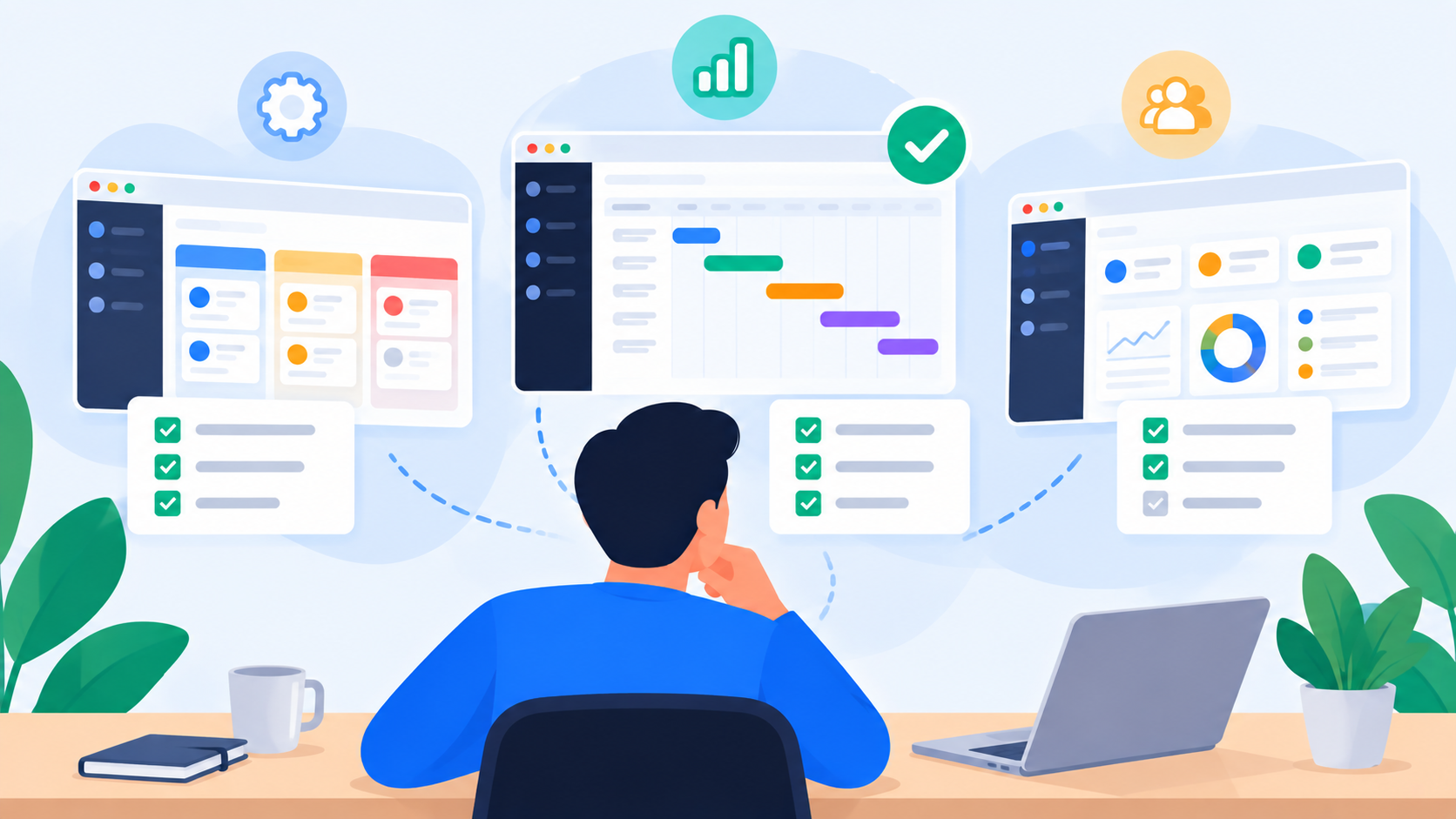
Cloud-Based Project Management Software: A Complete Guide

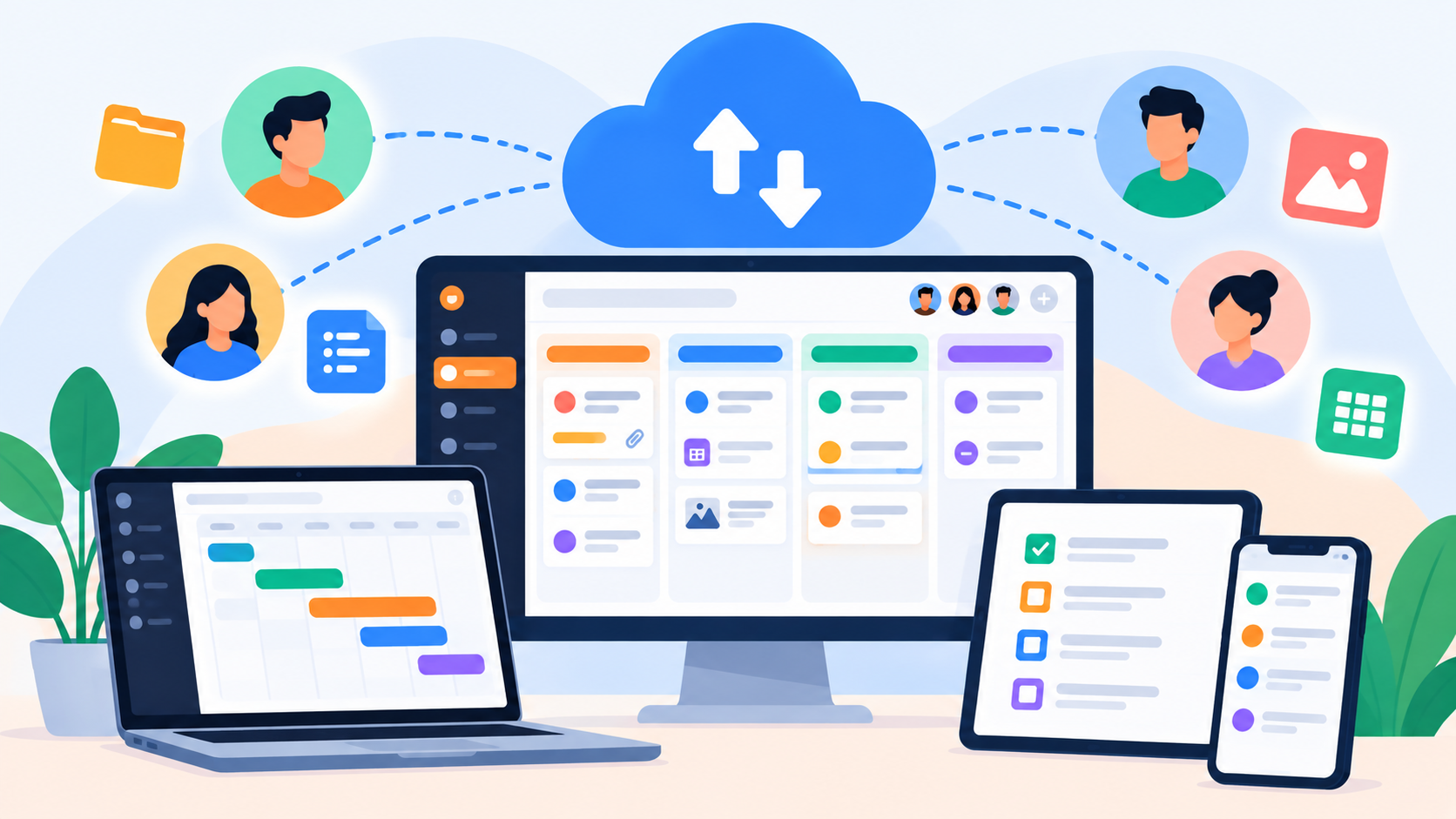
Cloud based project management software has changed how teams plan, organize, and deliver work. Learn what it is, how it works, and what modern teams should expect from it.
The way teams manage projects has changed considerably over the last decade. Work that once depended on shared drives, spreadsheets, email threads, and meetings increasingly happens inside online workspaces where project information is available to everyone who needs it.
This shift has made cloud based project management software an important part of how modern organizations plan and deliver work. A project manager can create tasks, assign responsibilities, set deadlines, share files, follow progress, and review workload without maintaining a collection of separate documents. Team members can access the same information from different locations and continue working even when they are not online at the same time.
But cloud project management is about more than putting project management tools on the internet. The more interesting question is what happens when the project itself becomes a shared, continuously updated workspace.
What is cloud based project management software?
Cloud based project management software is a project management platform that stores project information online and allows authorized users to access and update that information through the internet.
Instead of keeping the main project record on a local computer or relying on a spreadsheet that needs to be manually shared, the team works from a centralized environment. Tasks, deadlines, files, comments, ownership, progress, and other project information can live together and remain accessible as the project develops.
For a small project, this might mean having one shared task board instead of several personal to-do lists. For a larger organization, it can mean managing projects across teams and departments while maintaining visibility into workload, capacity, approvals, and delivery.
The underlying idea is simple: the project should have one accessible place where its current state can be understood.
Why teams moved from spreadsheets to cloud project management
Spreadsheets are not inherently bad project management tools. They can be flexible, inexpensive, and surprisingly effective for small projects. The problem appears when the spreadsheet becomes the place where an entire team is expected to coordinate complex work.
A project may start with a spreadsheet containing tasks and deadlines. Then someone sends an update by email, another person shares a file through a messaging application, a deadline changes during a meeting, and a manager keeps a separate note about who is overloaded. Before long, there are several versions of what is supposed to be the same project.
The issue is not necessarily the number of tools. It is the lack of a reliable connection between them.
Cloud project management software addresses this by giving the work a shared operational layer. The task, its owner, deadline, status, supporting information, and history can remain connected rather than being distributed across unrelated conversations and files.
That becomes especially valuable when projects involve multiple people, changing priorities, and deadlines that depend on one another.
The cloud matters because modern work is distributed
The rise of remote and hybrid work has made shared project visibility much more important. A team might have people working from different offices, cities, or countries, with different schedules and responsibilities. Waiting until everyone is available for a meeting is no longer a practical way to manage every project update.
A cloud-based workspace allows work to continue asynchronously. Someone can complete a task in the morning, another person can review it later, and a project manager can check the overall status without asking everyone for an individual update.
This does not eliminate meetings or communication. Instead, it gives those conversations a more reliable foundation.
Rather than starting a meeting with, "What has everyone been working on?", the team can spend more time discussing decisions, obstacles, priorities, and what needs to happen next.
A project is more than a collection of tasks
One reason some project management tools eventually feel inadequate is that they treat the task as the entire unit of work.
A task is important, but it exists within a larger context.
Consider a product launch. The project might include research, design, development, marketing, testing, content, partnerships, and final approval. Each area contains individual tasks, but completing one task can affect several other parts of the project.
If a design is delayed, development may be delayed. If development is delayed, testing may move. If testing moves, the launch date may be affected.
This is why useful project management software needs to provide more than a list of open and completed tasks. It should help people understand the relationship between work, people, time, and delivery.
What should a modern cloud project management platform provide?
The exact feature set depends on the organization, but there are several capabilities that become increasingly important as projects grow.
A useful platform should make ownership clear, so everyone knows who is responsible for each important piece of work. It should make deadlines and priorities visible without requiring people to search through messages or documents. It should keep relevant files and information connected to the work, so the context does not disappear when a project changes hands.
It should also provide a reliable way to understand progress. A task that has been sitting in the same status for several days is different from one that was just started. A deadline approaching for a task that has not begun deserves different attention from a completed task waiting for approval.
Most importantly, modern project management software needs to consider the people doing the work.
That is where workload management becomes part of the project management conversation.
Why workload is becoming a project management problem
Imagine a marketing team preparing a campaign. The project has 40 tasks and everything appears to be properly assigned. On paper, the plan looks organized.
Then you discover that the designer responsible for the most important deliverables is already handling several other projects with overlapping deadlines.
The project was not badly organized because the tasks were missing. It was badly understood because the team's capacity was not visible.
This distinction matters.
Task management tells you what needs to be done. Workload management helps you understand whether the people responsible for doing it can realistically handle the work.
uboord's workload model is built around factors including task size, priority, deadlines, capacity, and overlapping work, allowing workload to be considered as more than a simple task count.
That creates a more useful management conversation. Instead of simply asking who has the most tasks, a manager can look at where workload is becoming concentrated and where capacity may be available.
Capacity planning brings another layer of visibility
Capacity planning is closely connected to workload management, but the two concepts are not identical.
Workload describes the amount of work being carried. Capacity describes the amount of work someone or a team can reasonably take on.
The difference becomes important when new work arrives.
Suppose a team already has several projects in progress and a new client request comes in. A basic task manager can record the new tasks. A capacity-aware project management system can help the team consider whether there is enough available capacity to take on the work without creating an unrealistic schedule.
That can lead to better decisions about priorities, deadlines, ownership, and reassignment.
For organizations managing multiple projects at once, this kind of visibility can be more valuable than simply having another place to store tasks.
Task boards are useful, but they are only part of the picture
The task board remains one of the most practical ways to visualize project work.
A simple workflow might move tasks from To Do to In Progress, then to Review, and finally to Completed. This gives the team an immediate visual understanding of where work currently sits.
Task boards are particularly useful because they reduce the amount of information someone has to process before understanding a project.
However, a board can only tell part of the story.
Seeing that a task is "In Progress" does not necessarily tell you whether it is on schedule. It does not tell you whether the person working on it is overloaded, whether another task is blocking it, or whether the completed result still requires approval.
That is why a modern cloud based project management tool should connect the board to the wider project context.
The importance of keeping work and context together
Project information becomes increasingly valuable when it stays attached to the work it describes.
A task might need a design file, a client brief, a reference link, a comment from a manager, or an approval from a department head. If all of that context lives somewhere else, people spend time searching for information instead of progressing the work.
A centralized project workspace reduces that friction.
The objective is not necessarily to replace every communication tool a company uses. It is to make sure the actual work has a clear home.
When someone joins a project halfway through, they should be able to understand the relevant task, its status, its owner, its deadline, and the available context without reconstructing the entire history from old messages.
Cloud project management also improves accountability
Accountability is often misunderstood as simply assigning someone a task.
Real accountability requires a clearer lifecycle.
Who received the work? When did it move into progress? When was it completed? Who reviewed it? Was it approved? What happened afterward?
uboord incorporates ownership, completion, review, approval, locking, archiving, and activity history into its workflow, creating a more structured record of how work moves through delivery.
This can be particularly useful for organizations where work needs to pass between employees, managers, department heads, or clients before it can be considered complete.
Who benefits most from cloud based project management software?
The answer is broader than large companies.
Freelancers
A freelancer may manage several clients and projects at the same time. A cloud workspace can keep deliverables, deadlines, files, and personal workload organized without requiring multiple spreadsheets.
Agencies
Agencies often coordinate creative, development, marketing, account management, and client approval. A shared project environment can give everyone a clearer view of what is being produced and where it stands.
Startups
Startups often change priorities quickly. A cloud project management system can provide structure without requiring a large administrative process, while giving founders and team leads visibility into active work.
Remote teams
Distributed teams benefit from having a shared source of project information that does not depend on everyone being online at the same time.
Larger organizations
As the number of teams and departments increases, visibility becomes more difficult. Enterprise project management requires not only task tracking but also permissions, organizational structure, capacity visibility, reporting, and accountability.
What makes a cloud project management tool genuinely useful?
Feature lists can make every project management platform look similar.
Almost every tool can promise tasks, boards, deadlines, collaboration, and reporting.
The more useful way to evaluate a platform is to ask how well those features work together.
Can a task be connected to its owner and deadline? Can the manager understand whether that person has capacity? Can completed work move through an approval process? Can leadership understand what is happening across departments without opening dozens of individual projects?
These questions shift the evaluation from "How many features does the software have?" to "How much useful visibility does the software create?"
That distinction becomes increasingly important as the organization grows.
Where uboord fits into cloud project management
uboord is built around the idea that project management should make work visible rather than simply provide another place to record tasks.
The platform combines task management, task boards, workload and capacity management, deadline tracking, ownership, approvals, activity tracking, alerts, and delivery visibility within the same work management model.
For an individual, that can start with a personal task board. uboord's Individual plan is free forever and includes personal monthly and yearly taskboards, capacity and effort information, delivery dates, and 100 MB of task file storage.
As the team grows, the platform expands into shared workspaces. The Startup structure supports up to 10 members in addition to the account owner, shared storage, monthly taskboards, approval workflows, capacity planning, support requests, and status and priority tracking.
For larger organizations, the Enterprise structure introduces departments and department heads, organization-wide capacity and utilization reporting, role-based visibility, larger storage allocations, and activity logging.
The result is a model that can start with personal task management and extend into broader team and organizational work management.
How to choose the right cloud project management software
The right platform depends on the complexity of your work, not simply the size of your company.
A freelancer may need an easy way to organize several client projects. A small team may care more about task ownership, deadlines, and workload. A larger organization may need departments, permissions, approvals, reporting, and capacity planning.
Before choosing a cloud based project management software, it is worth looking beyond the interface and asking how the platform fits the way your organization actually works.
Consider whether it gives you:
A reliable shared workspace for project information
Clear task ownership and deadlines
Flexible task boards and workflows
Workload and capacity visibility
Collaboration around the actual work
Approval and accountability processes
Useful activity history
Visibility across teams or departments when needed
A pricing model that makes sense as your organization grows
A tool can have hundreds of features and still create unnecessary complexity. The better question is whether the software makes everyday project decisions easier.
Cloud project management is ultimately about visibility
The cloud is the infrastructure, but visibility is the real product.
When project information is fragmented, managers spend time collecting updates. When ownership is unclear, tasks get delayed. When workload is invisible, deadlines become harder to manage. When approvals are disconnected from the work, accountability becomes difficult to establish.
A well-designed cloud project management platform brings these pieces closer together.
The task tells you what needs to happen. The owner tells you who is responsible. The deadline tells you when it matters. The task board shows where the work is. Workload and capacity show whether the team can handle it. Approval tells you whether the result is ready. Delivery tracking connects the entire process to the outcome.
That is a much richer model than a digital checklist.
Final thoughts
The move to cloud based project management software is ultimately a move toward shared visibility.
Teams no longer have to depend on one spreadsheet, one project manager's notes, or a series of meetings to understand what is happening. Project information can remain accessible, current, and connected as the work moves forward.
For freelancers, that can mean a better way to organize client work. For remote teams, it can provide a shared operating picture across locations and schedules. For agencies and startups, it can bring tasks, deadlines, people, and priorities into one environment. For larger organizations, it can extend into workload, capacity, approvals, and organizational reporting.
The most useful cloud project management platforms are therefore not simply places where teams store tasks.
They are systems for understanding how work moves through people, projects, and time.
That is the direction modern project management is heading: fewer disconnected lists, less dependence on manual status updates, and more visibility into what the organization can actually deliver.
When everyone can see the work clearly, managing the work becomes a much more informed process.